
If a call was analyzed with the wrong meeting type (the wrong segment of your playbook), the analysis can feel off. You can reclassify it to re-run the analysis with the right framework.
Change the call type
Under the call's title, the meeting type is a dropdown.
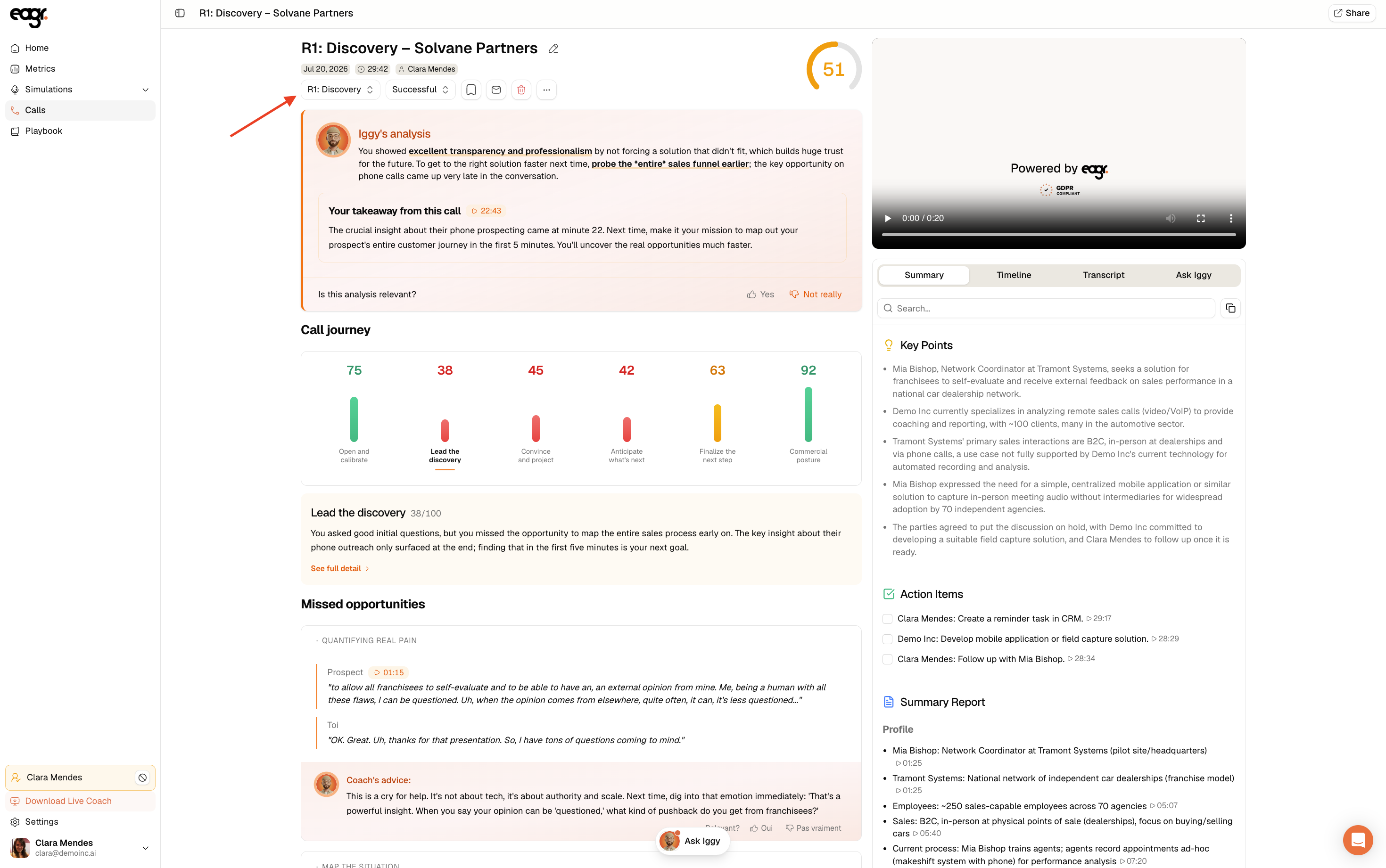
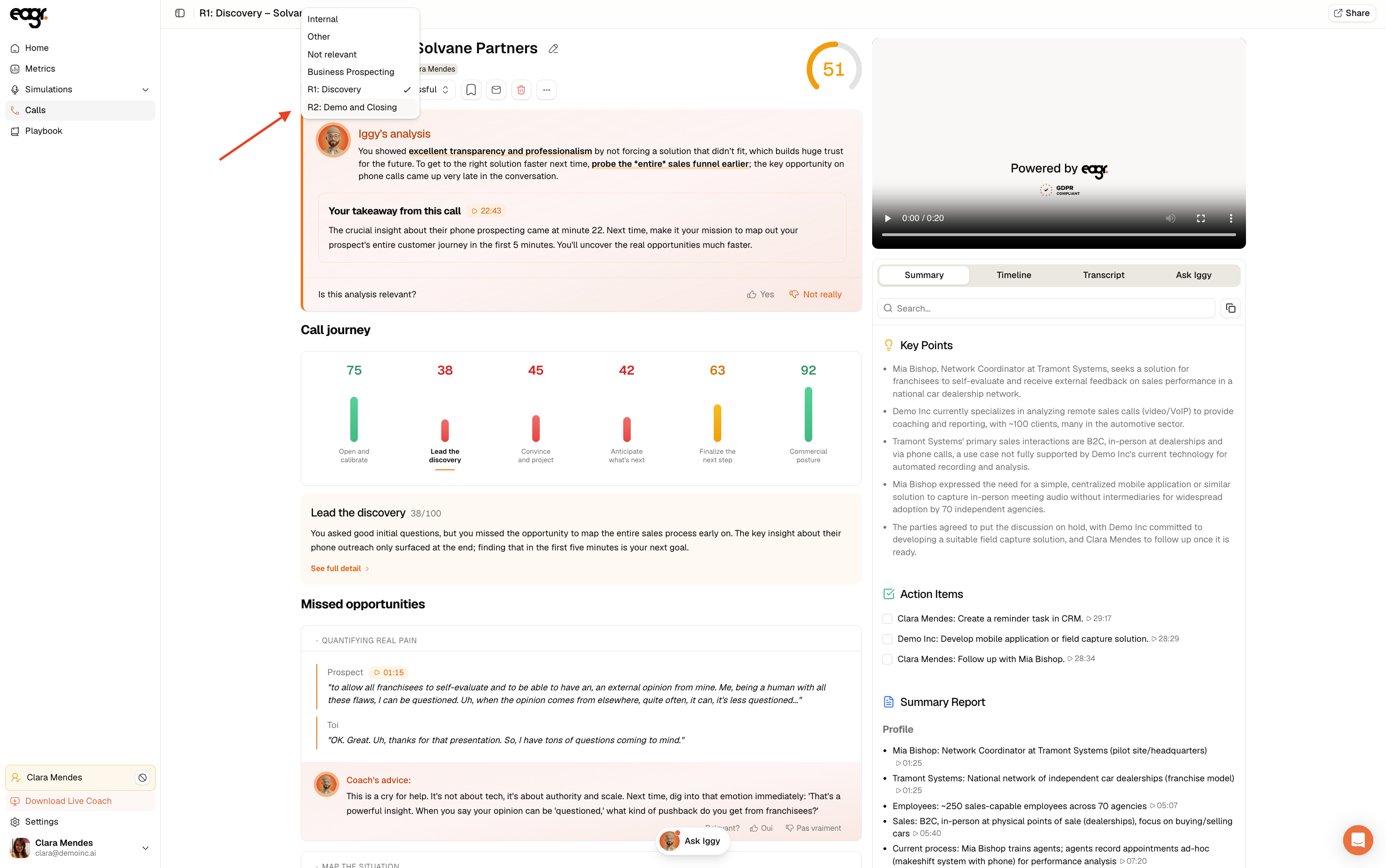
Open it and pick the right type. You'll find your playbook's segments, plus the options Internal, Other and Not relevant.
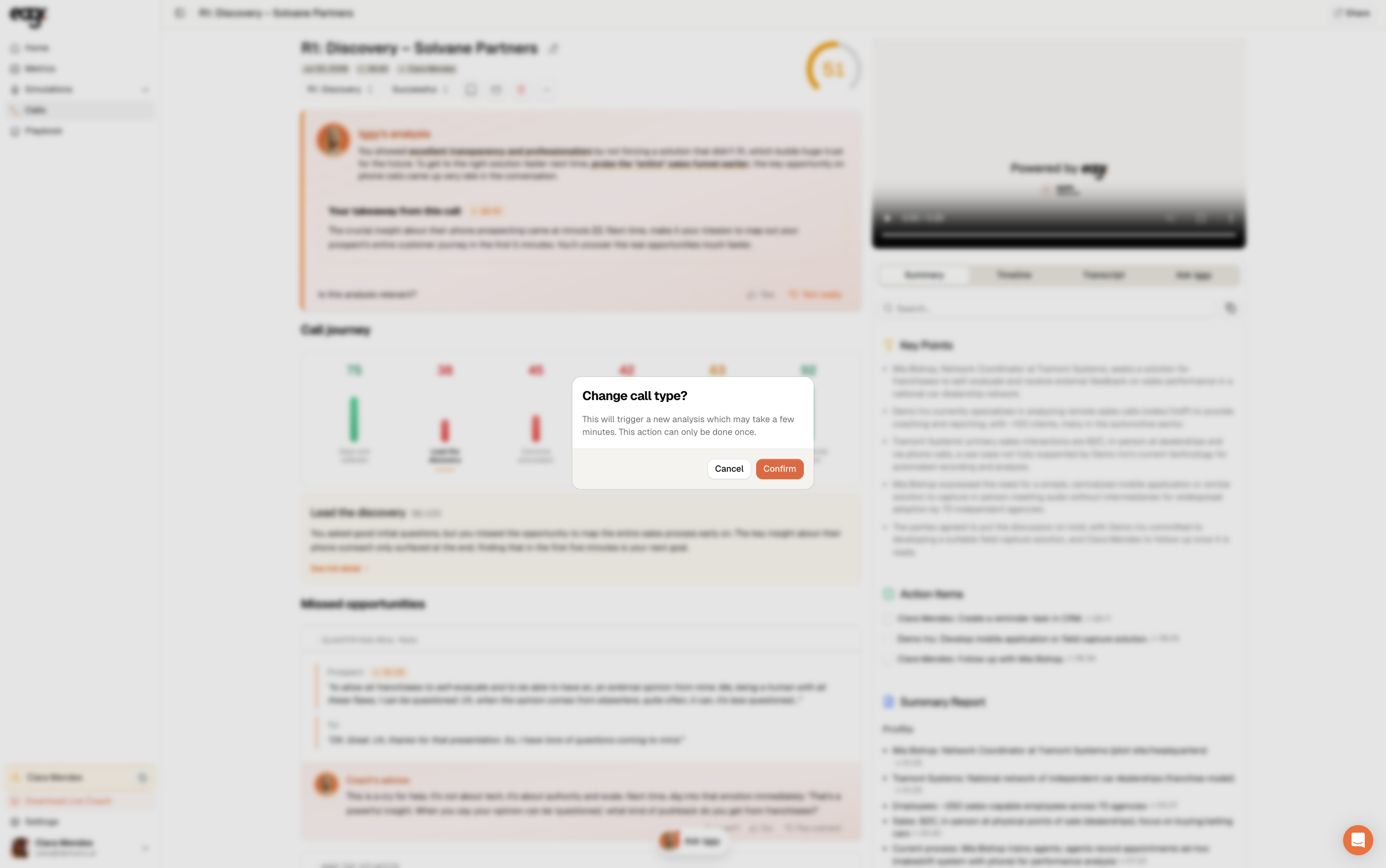
Confirm: Eagr re-runs an analysis with the right framework. It can take a few minutes.
Good to know
Changing the type can only be done once per call. Double-check the right type before you confirm.
A call marked Not relevant isn't analyzed (see Why isn't my call showing up or being analyzed?).