
Iggy is Eagr's AI assistant. It has access to all your data on Eagr and it's present everywhere in the app: it analyzes your calls and answers your questions, on a single call as well as across your whole activity.
Iggy sees what you see
The rule is simple: Iggy has the same visibility as you on the platform. A rep asks it about their own calls and performance; a manager can ask it about their team (see Understanding roles).
Asking Iggy about a specific call
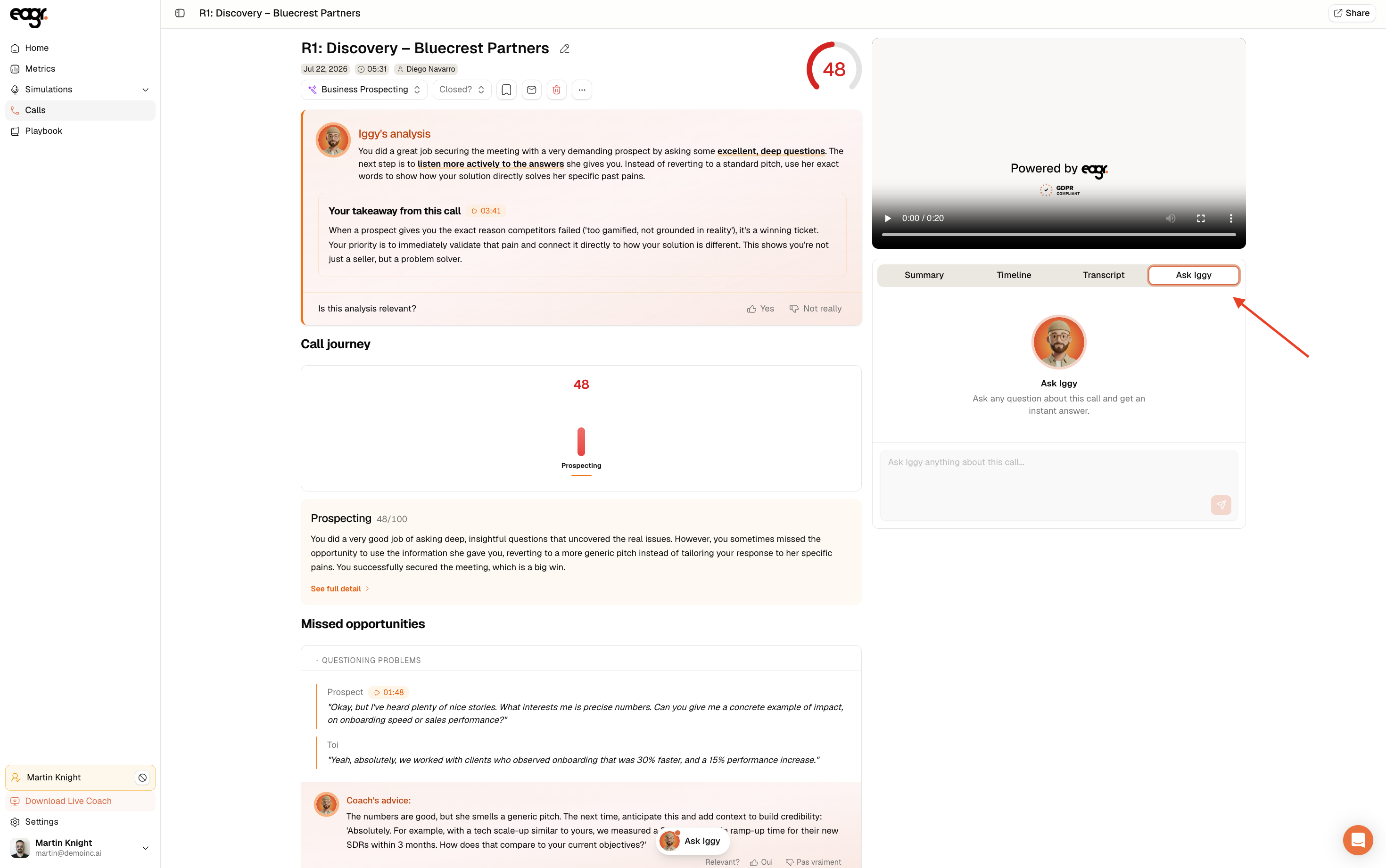
From a call's detail, open the Ask Iggy tab (on the right, next to Summary, Timeline and Transcript). You can ask it anything about that call, for example "Help me prepare for the demo meeting" or "Which competitor is mentioned?". It answers from the transcript.
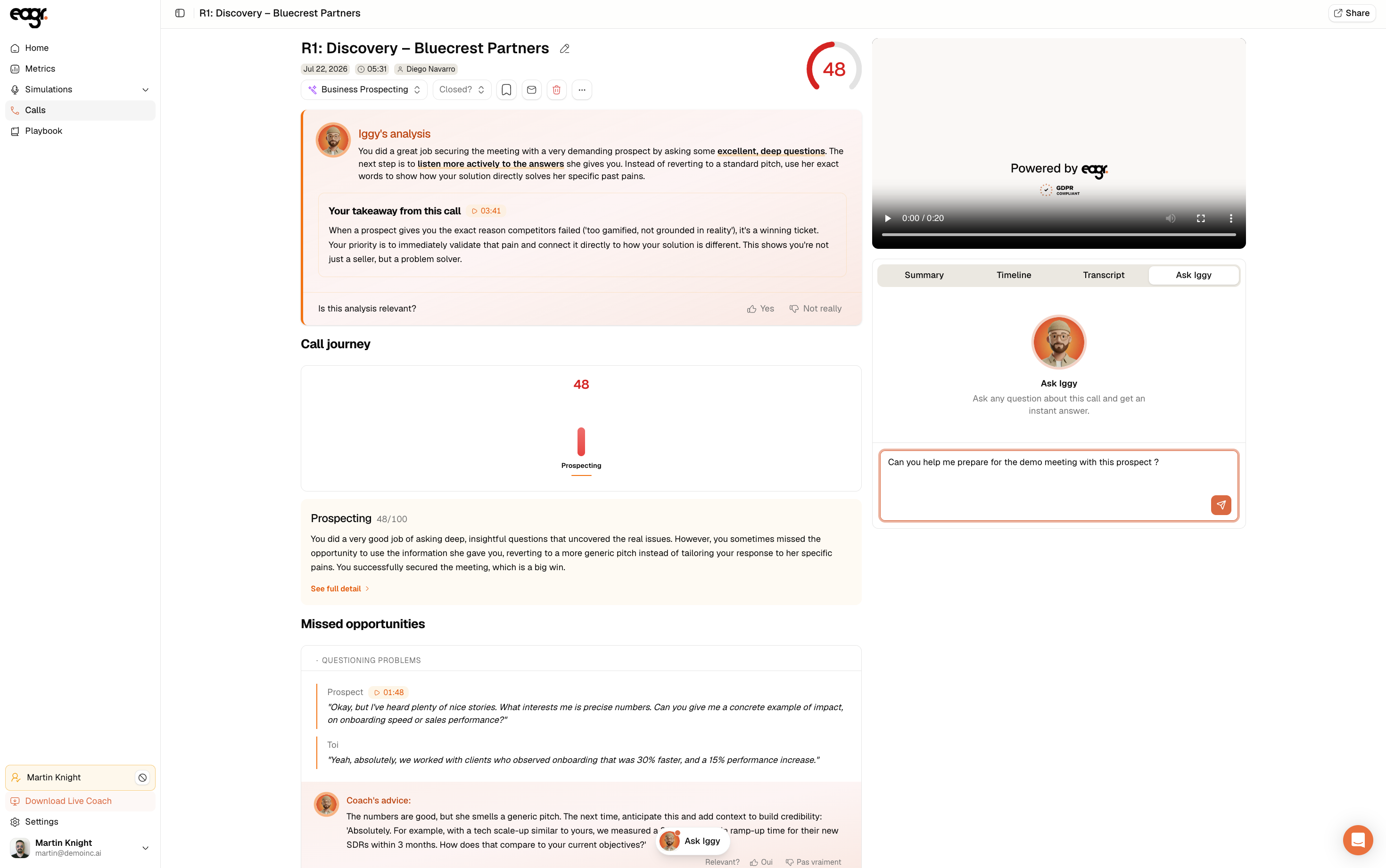
Asking Iggy from anywhere
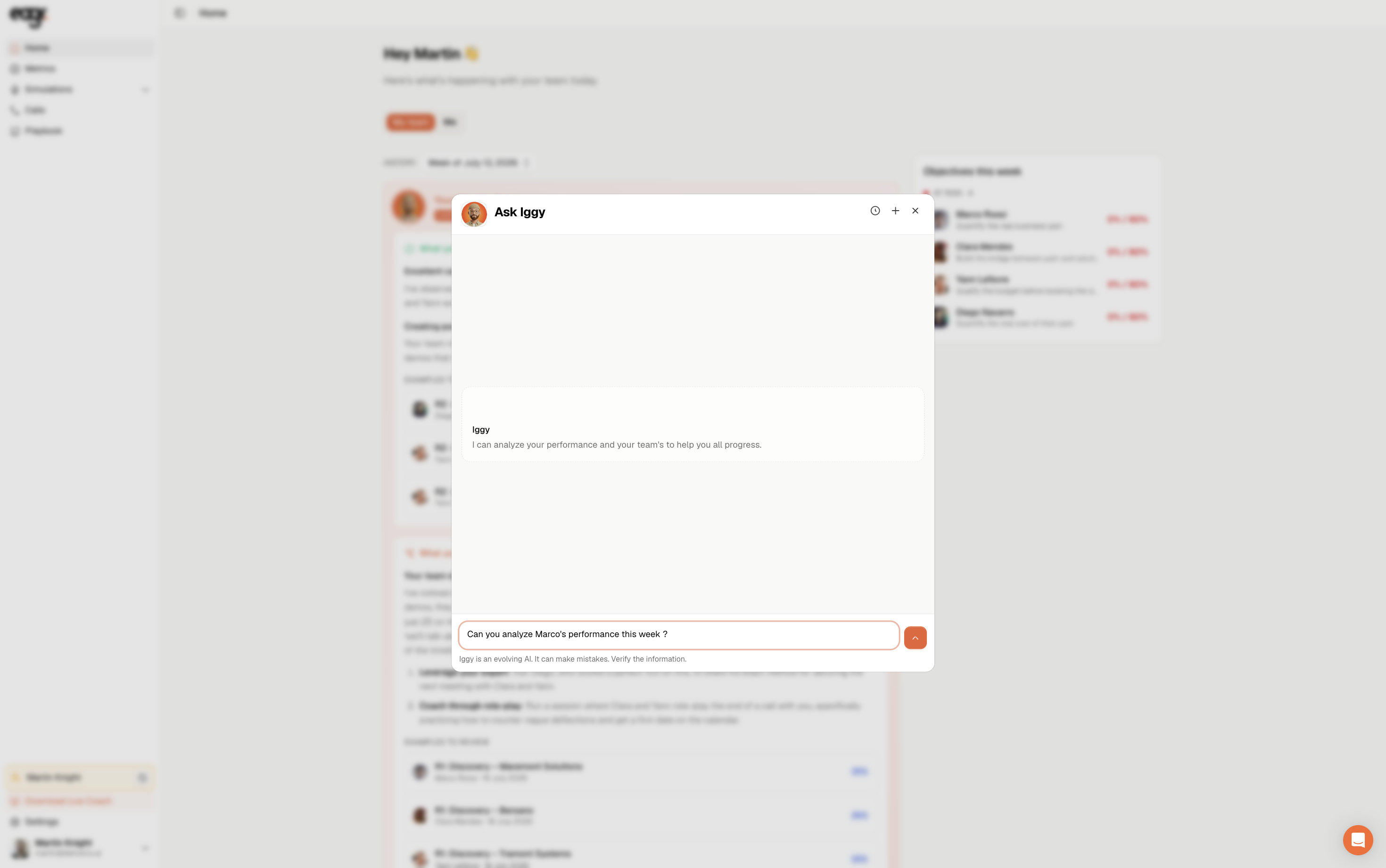
Iggy is also available everywhere, through the Ask Iggy button at the bottom of the screen.
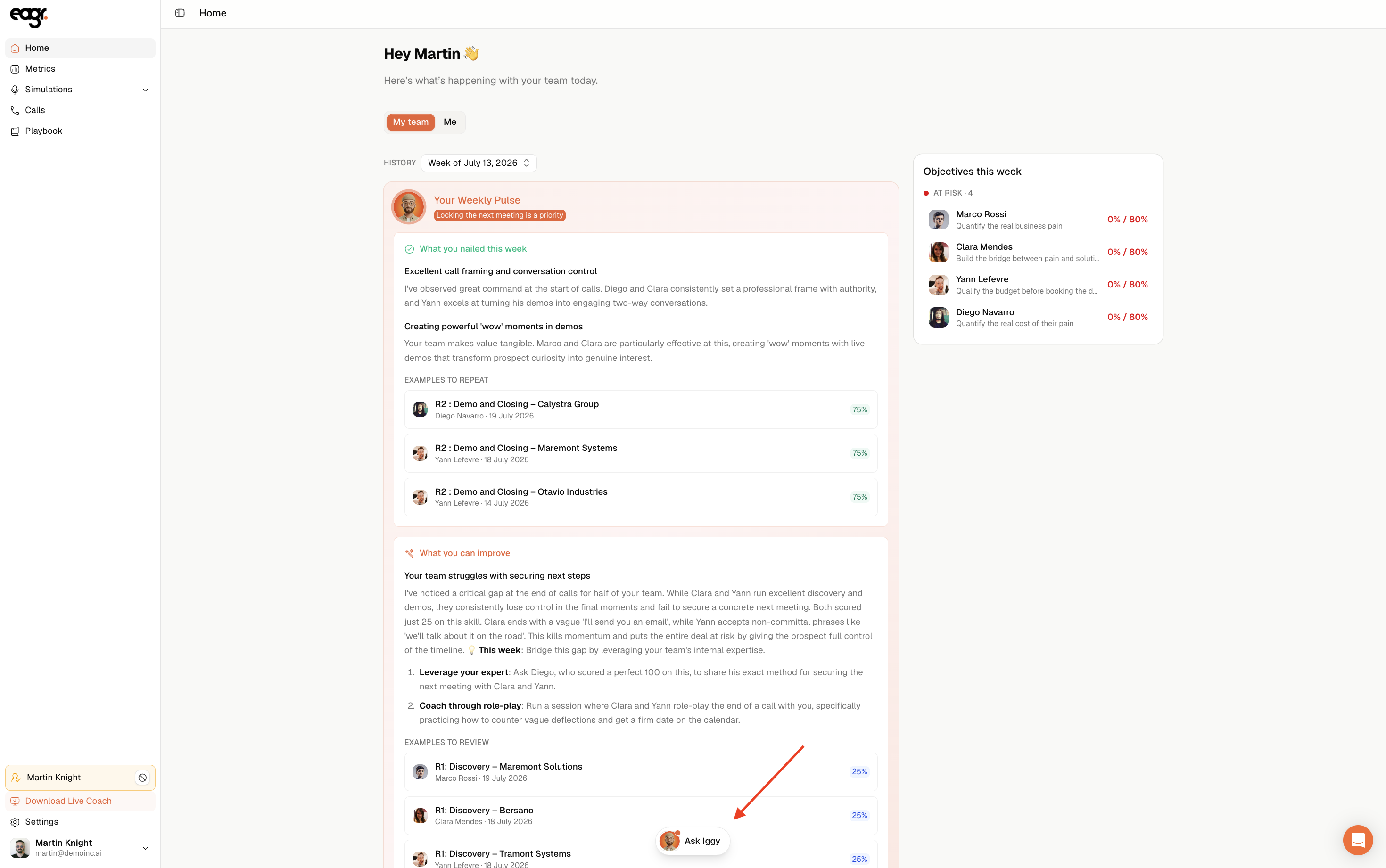
Here, your questions can be global, across all your calls: "Which technique do I perform best on?". Iggy answers with the detail (average scores per competency, your strongest technique) and above all concrete actions to improve. It can also generate a chart and export it as PNG or CSV.
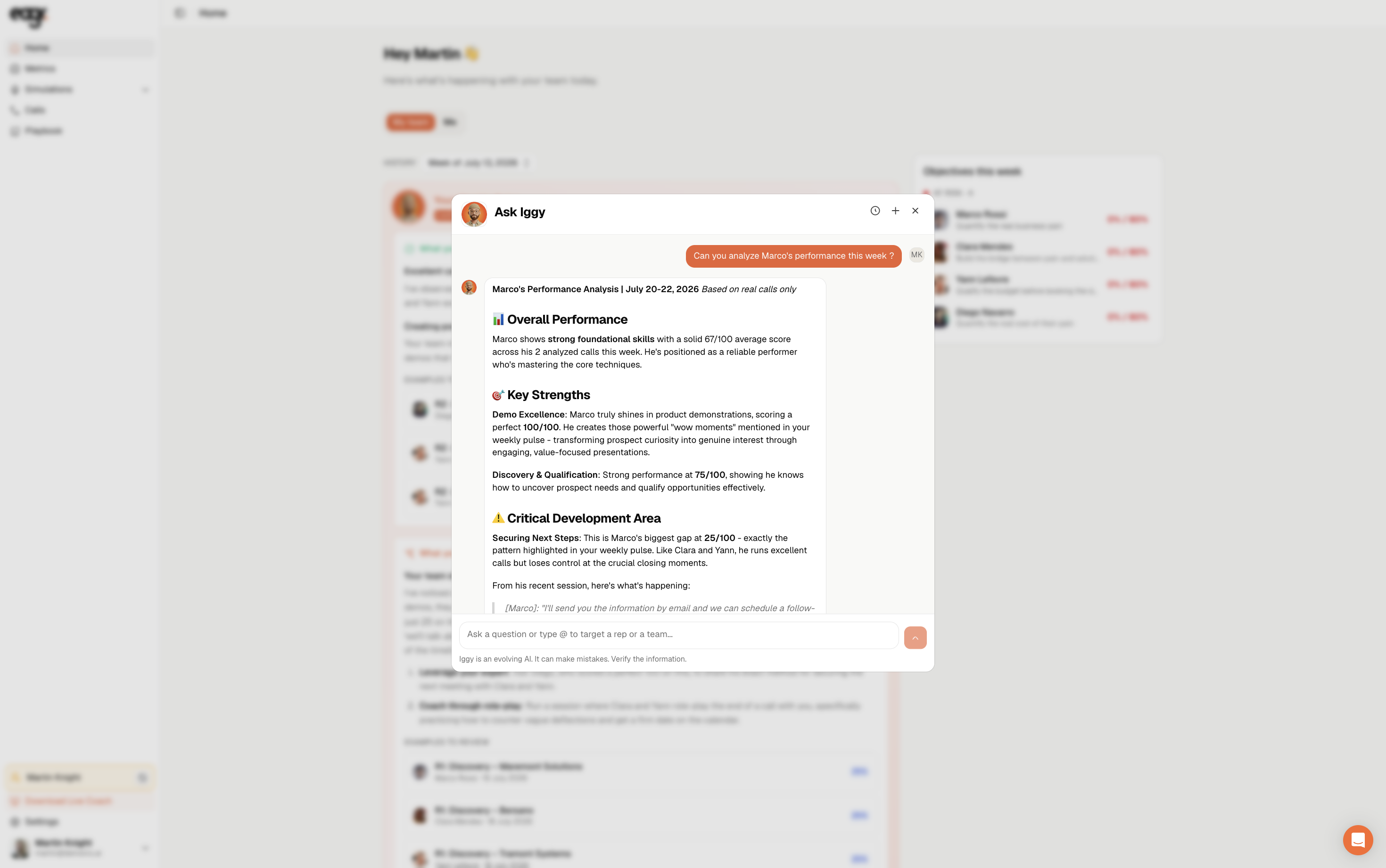
Manager: targeting a rep or a team
If you're a manager, type @ in Ask Iggy to target a person or a team. This is handy to prepare your coaching: "Prepare me for [person]'s one-on-one" or "Which technique should I run a group coaching on this week?". Iggy gives you a performance summary and a recommended coaching plan.
Iggy is an evolving AI: it can make mistakes. Verify important information before acting on it.