
New to Eagr and not sure where to look? Here's what each item in the left menu is for.
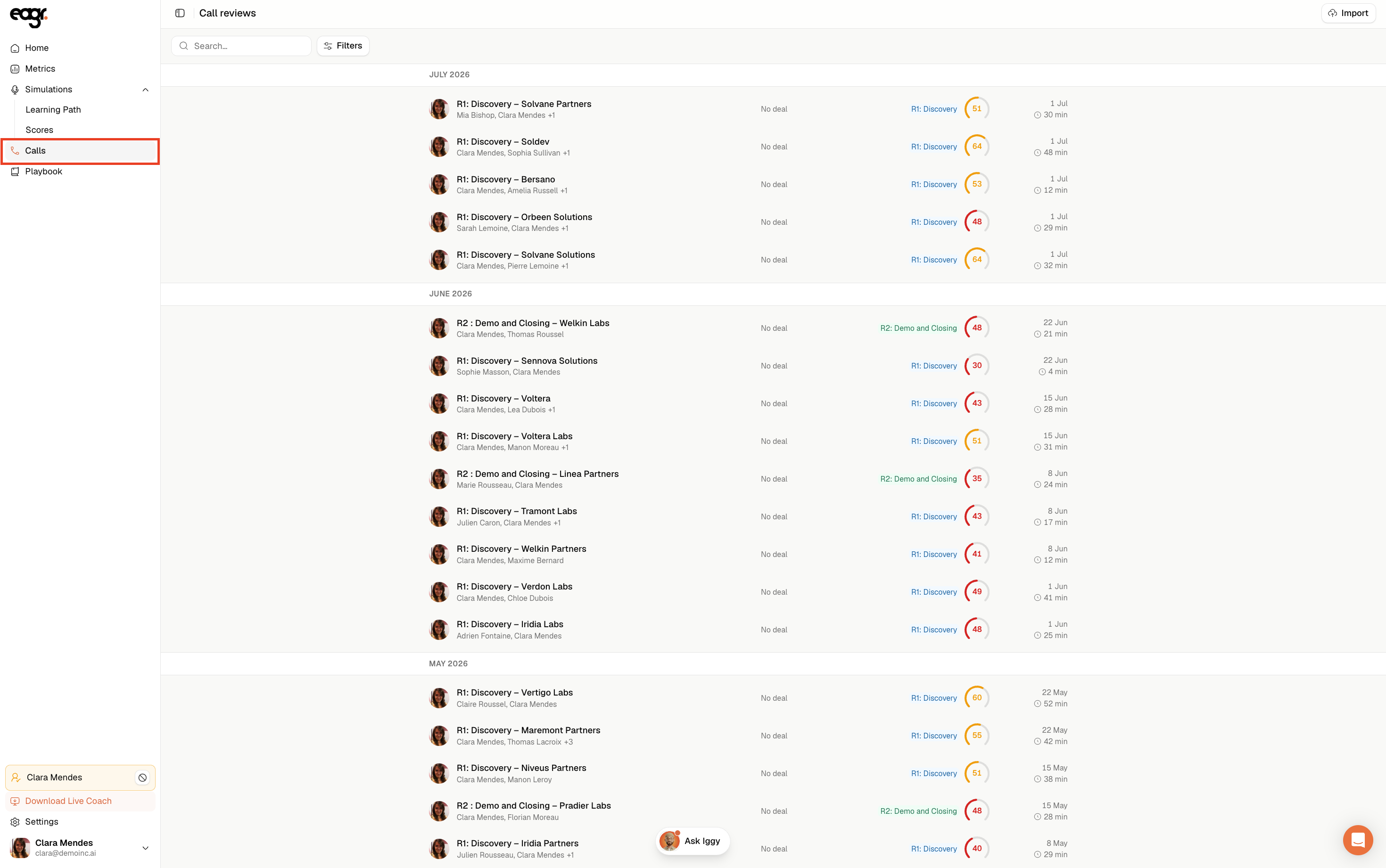
Calls: your analyzed calls
The Calls menu lists all the calls imported from your video or phone tool, with their score. Click a call to open the details: transcript, Iggy's analysis (Eagr's AI assistant), score and advice.
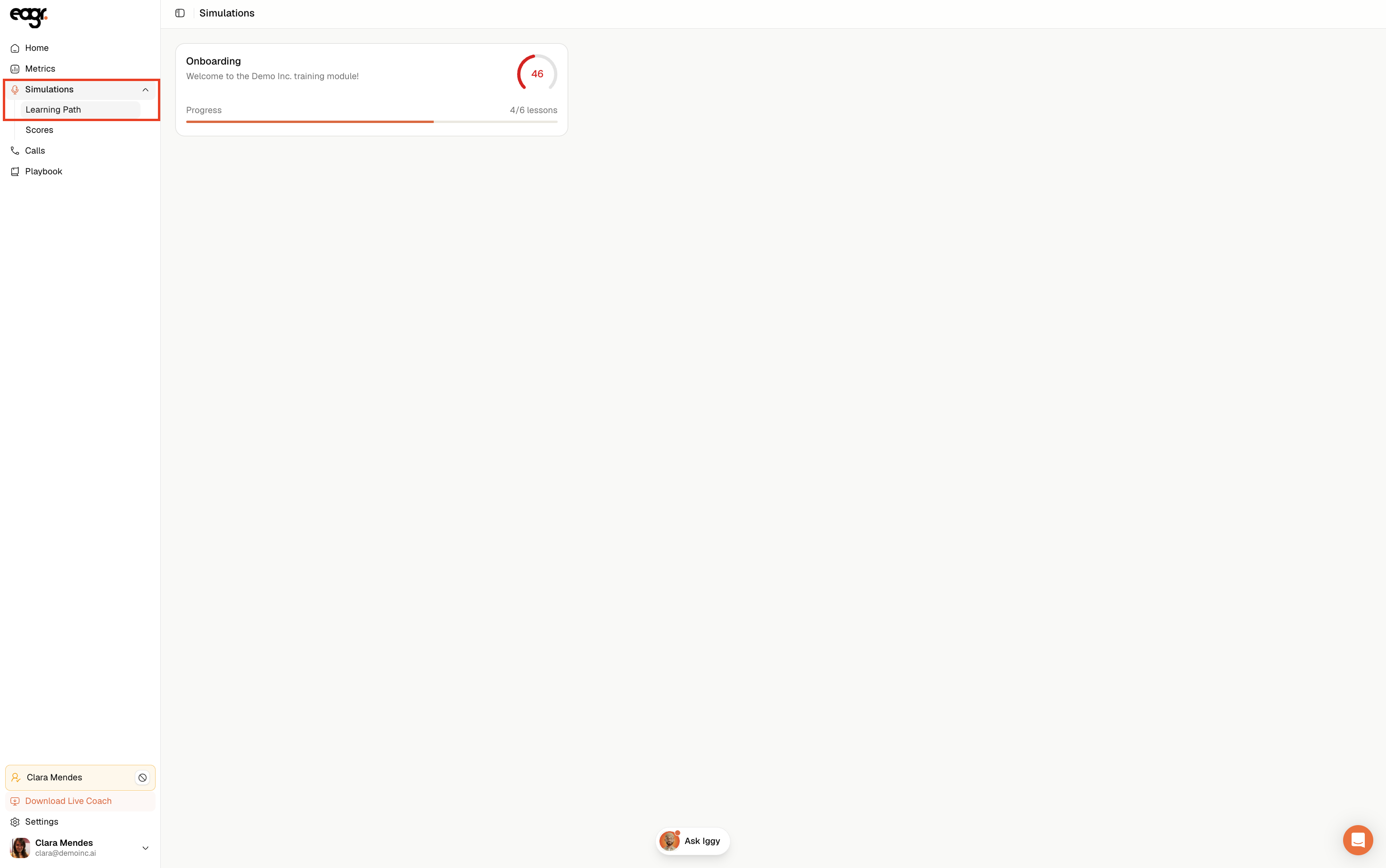
Simulations: your training
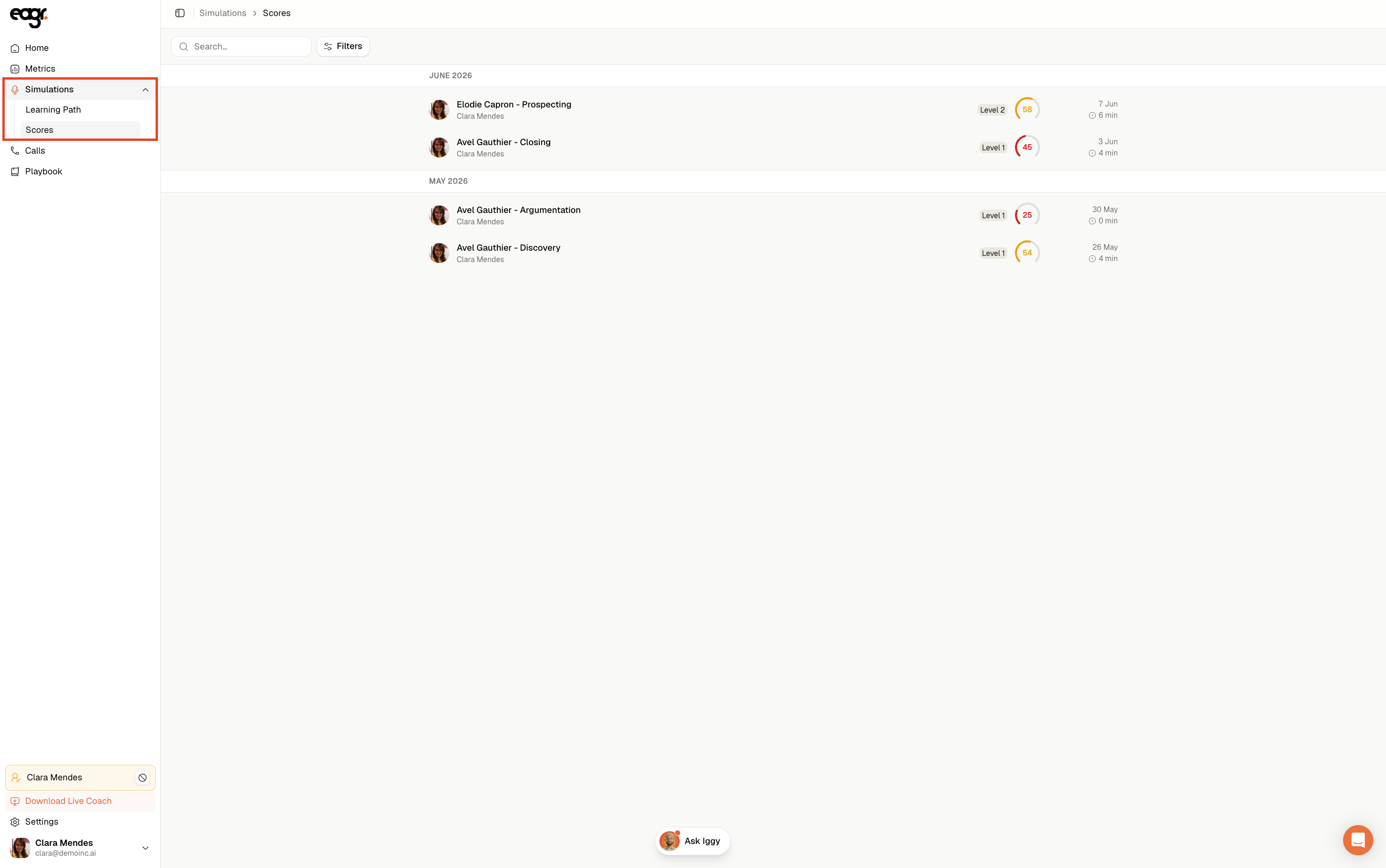
The Simulations menu gathers your training with the AI prospect. It's where you follow your learning path (the modules and exercises to complete) and your scores, exercise by exercise.
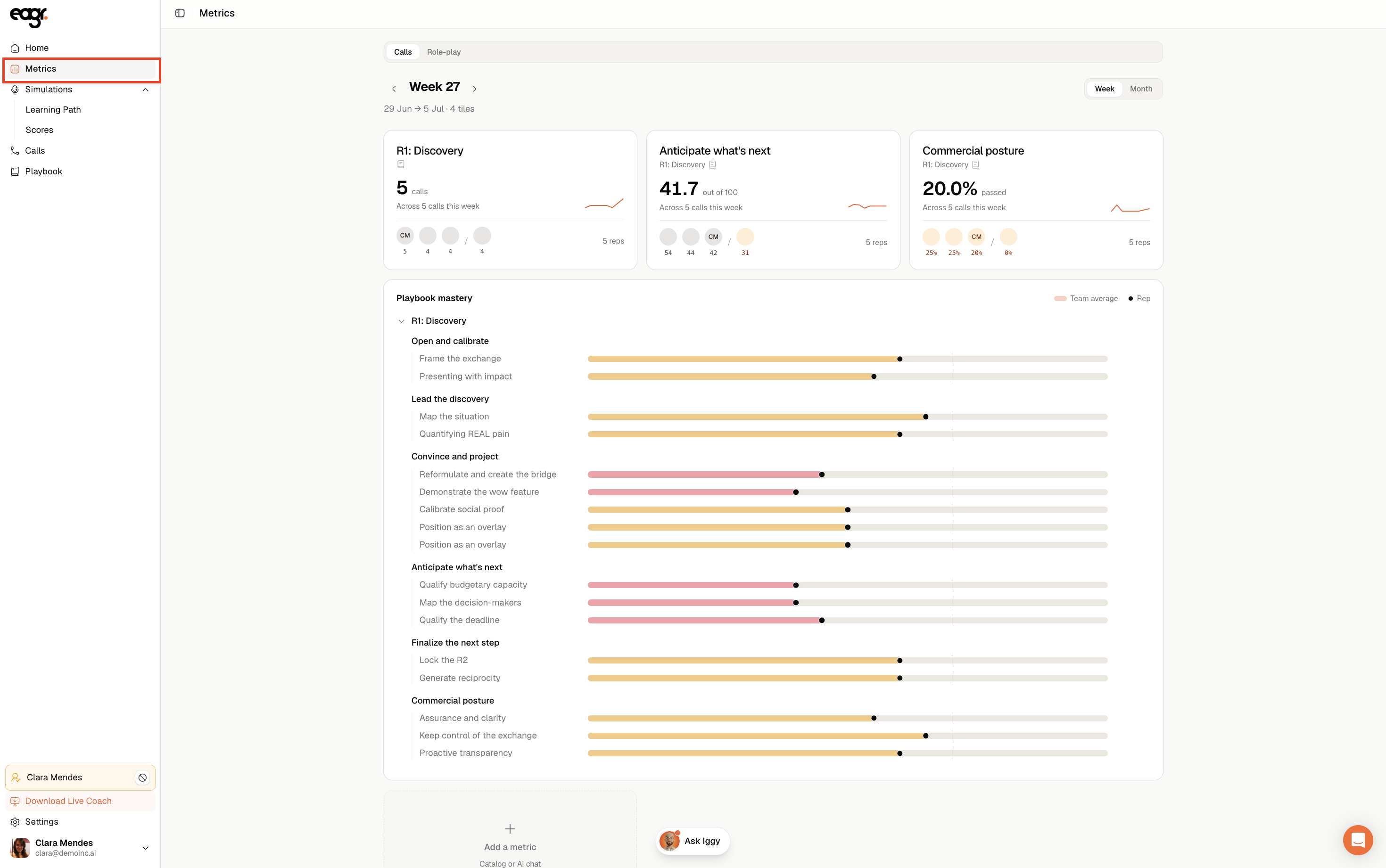
Metrics: your progress
The Metrics menu is your progress dashboard, and it's up to you to set it up: you choose which indicators and charts to display (how your scores and competencies evolve, call volume…) across your calls and training.
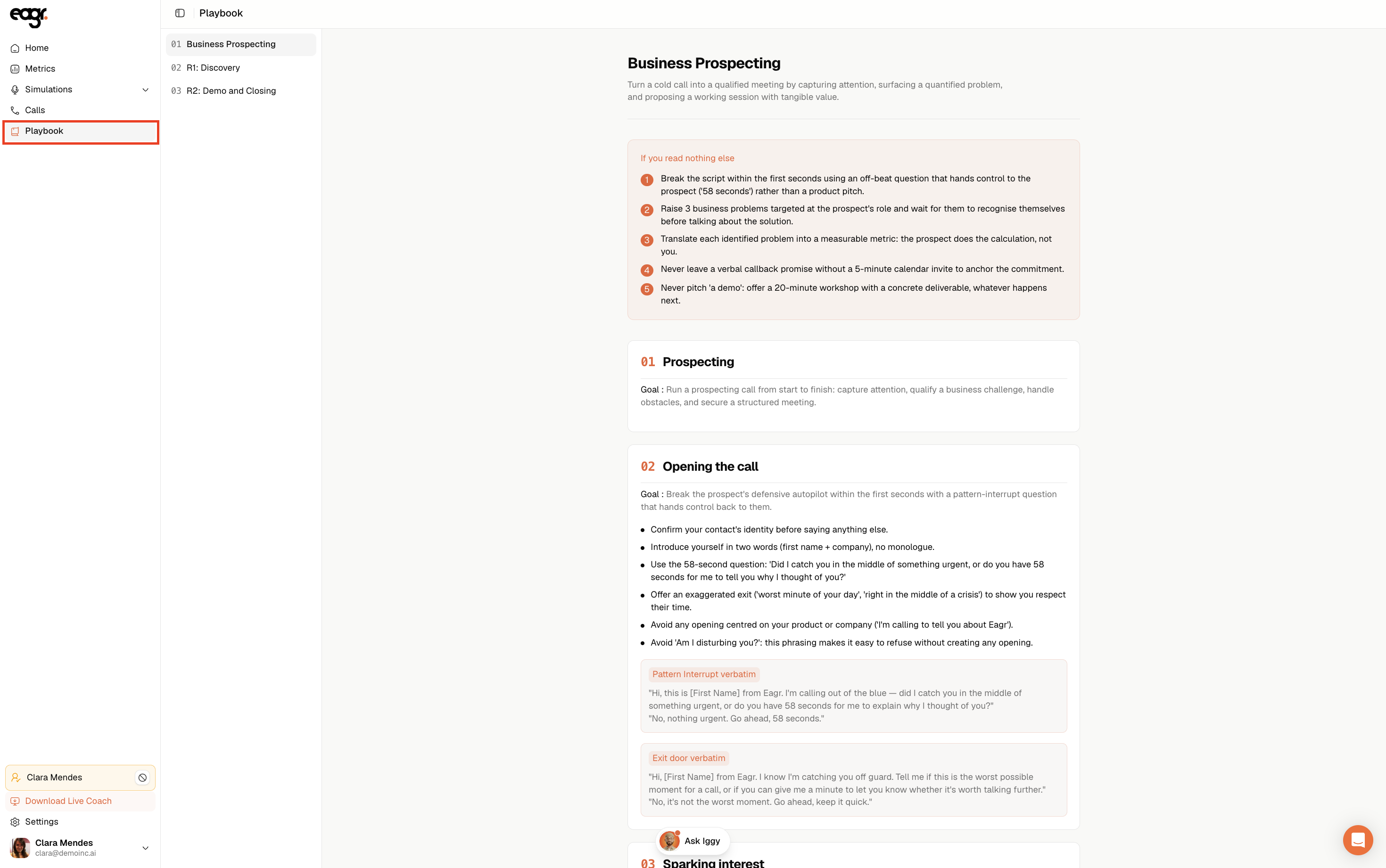
Playbook: your team's framework
The Playbook menu gives you access to your team's sales framework: the segments, competencies and techniques Eagr evaluates you on. It's available to all roles.
The Manager view
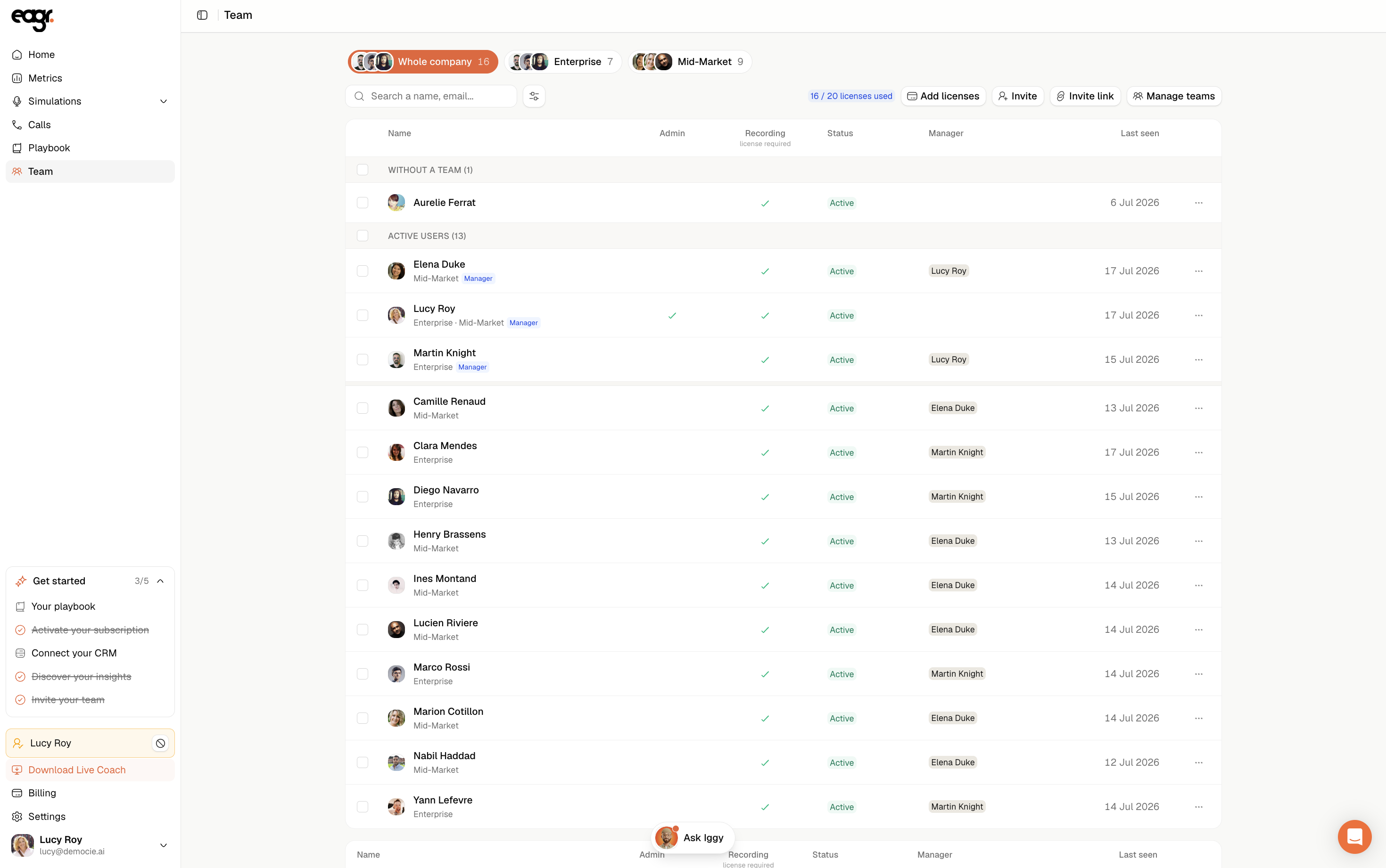
As soon as people are attached below you, you become a Manager and a Team item appears: you'll see the calls, simulations and metrics of your team, on top of your own. Managing users and billing is reserved for the Admin role (see Understanding roles).
Nothing on your screen?
If your screen is empty, it's often because you haven't run any session yet, or your calls haven't been imported. See the article Why isn't my call showing up or being analyzed?, or email us at support@eagr.ai.