What is a template?
A template is a set of sales techniques that the Live Coach tracks during your calls. Each template defines what Eagr listens for — and you can create different templates for different types of calls (discovery, demo, negotiation, etc.).
Templates are optional. Even without one, you'll still receive missed opportunity notifications during your calls.
Available presets
The Live Coach comes with 5 presets you can import directly:
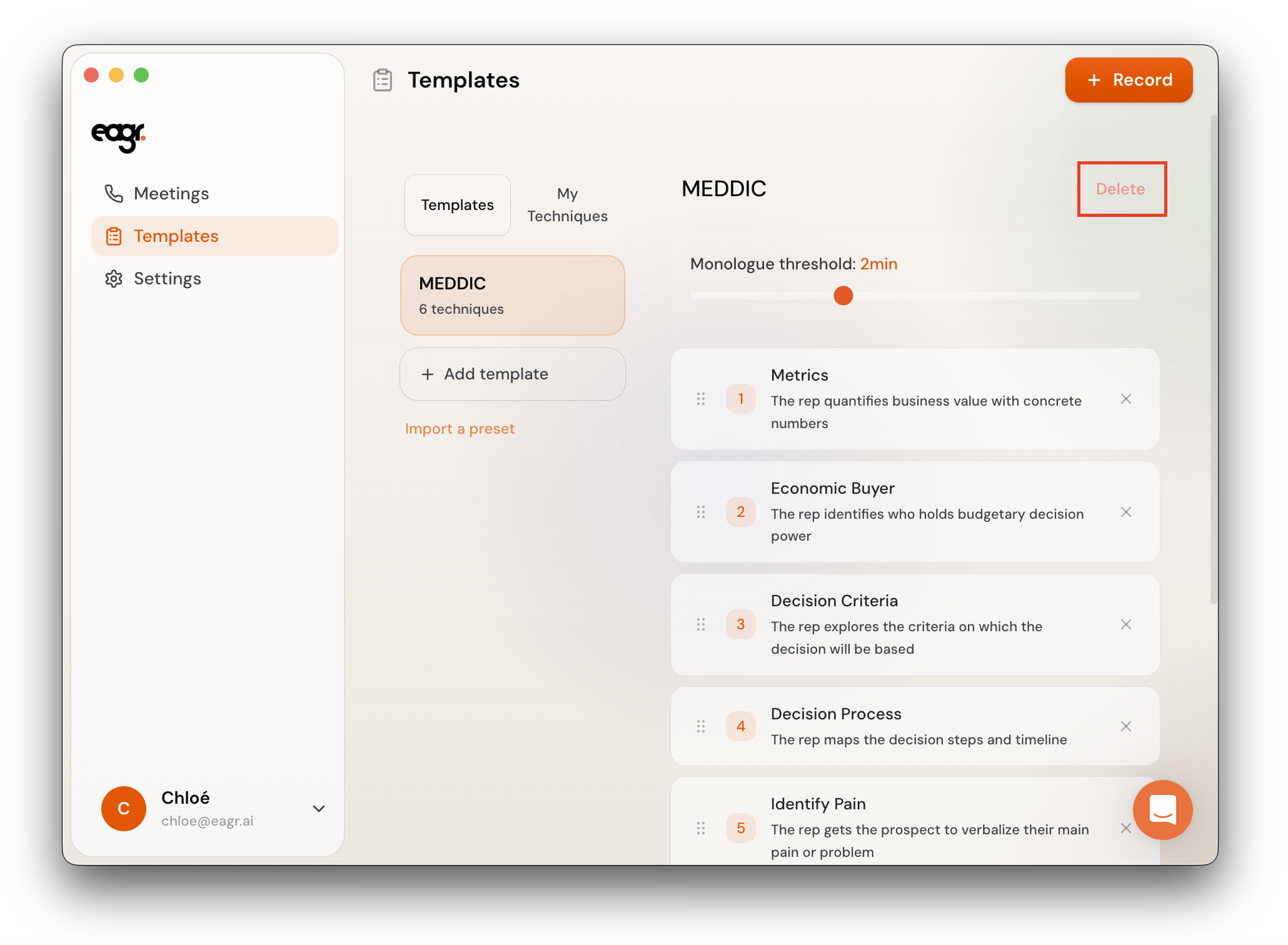
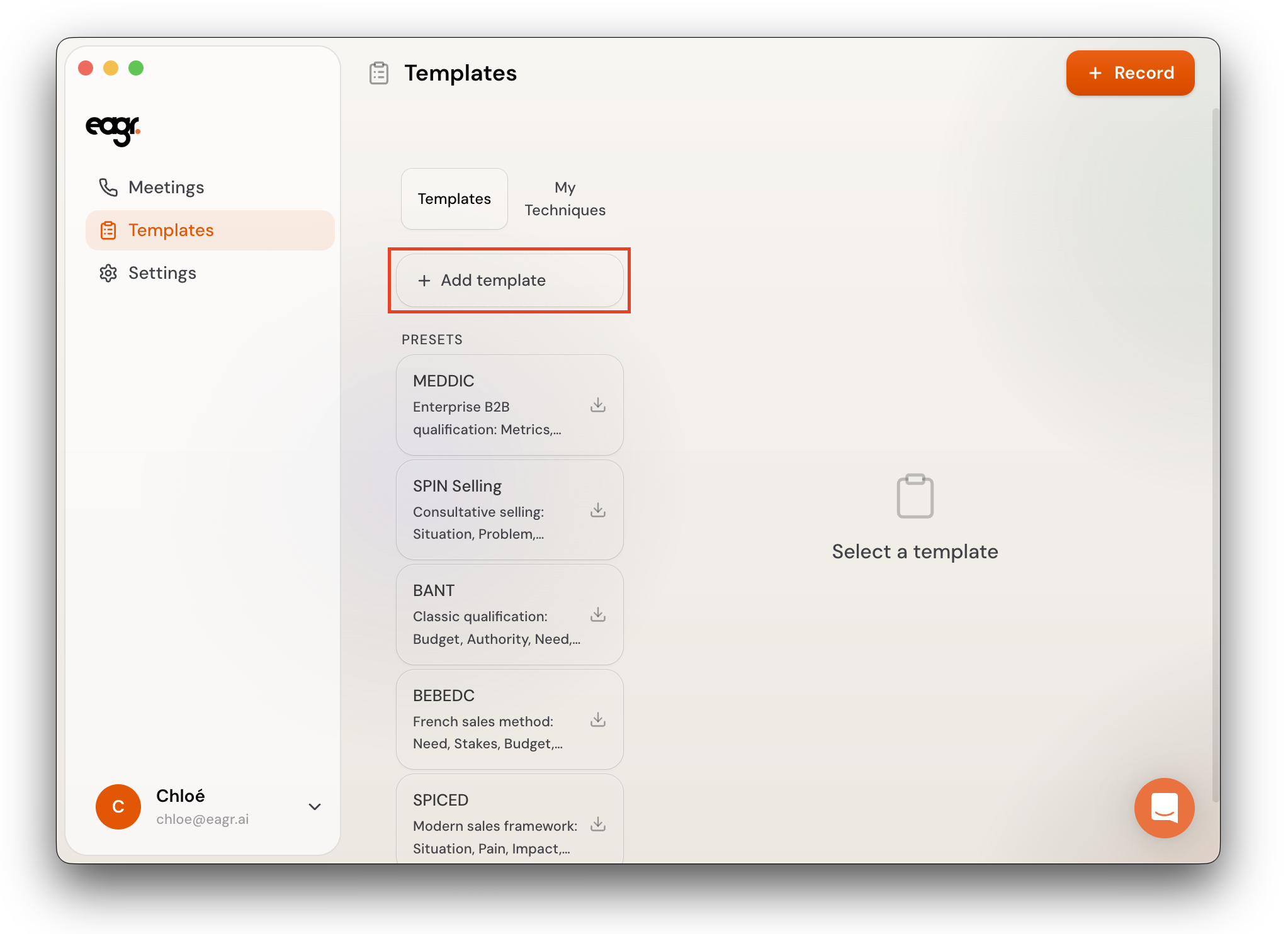
- MEDDIC — Enterprise B2B qualification: Metrics, Economic Buyer, Decision Criteria, Decision Process, Identify Pain, Champion
- SPIN Selling — Consultative selling: Situation, Problem, Implication, Need-Payoff questions
- BANT — Classic qualification: Budget, Authority, Need, Timing
- BEBEDC — French sales method: Need, Stakes, Budget, Timeline, Decision-maker, Competitors
- SPICED — Modern sales framework: Situation, Pain, Impact, Critical Event, Decision
Which preset for which type of call?
- Discovery calls — SPIN Selling or BEBEDC work well for understanding your prospect's pain points and context
- Qualification calls — MEDDIC for complex B2B deals with multiple stakeholders, BANT for shorter cycles with a single decision-maker
- Consultative / modern SaaS sales — SPICED focuses on the prospect's situation and building urgency around impact
You can import multiple presets and switch between them depending on the type of call.
Select a preset
- Go to Templates
- Click on the chosen preset
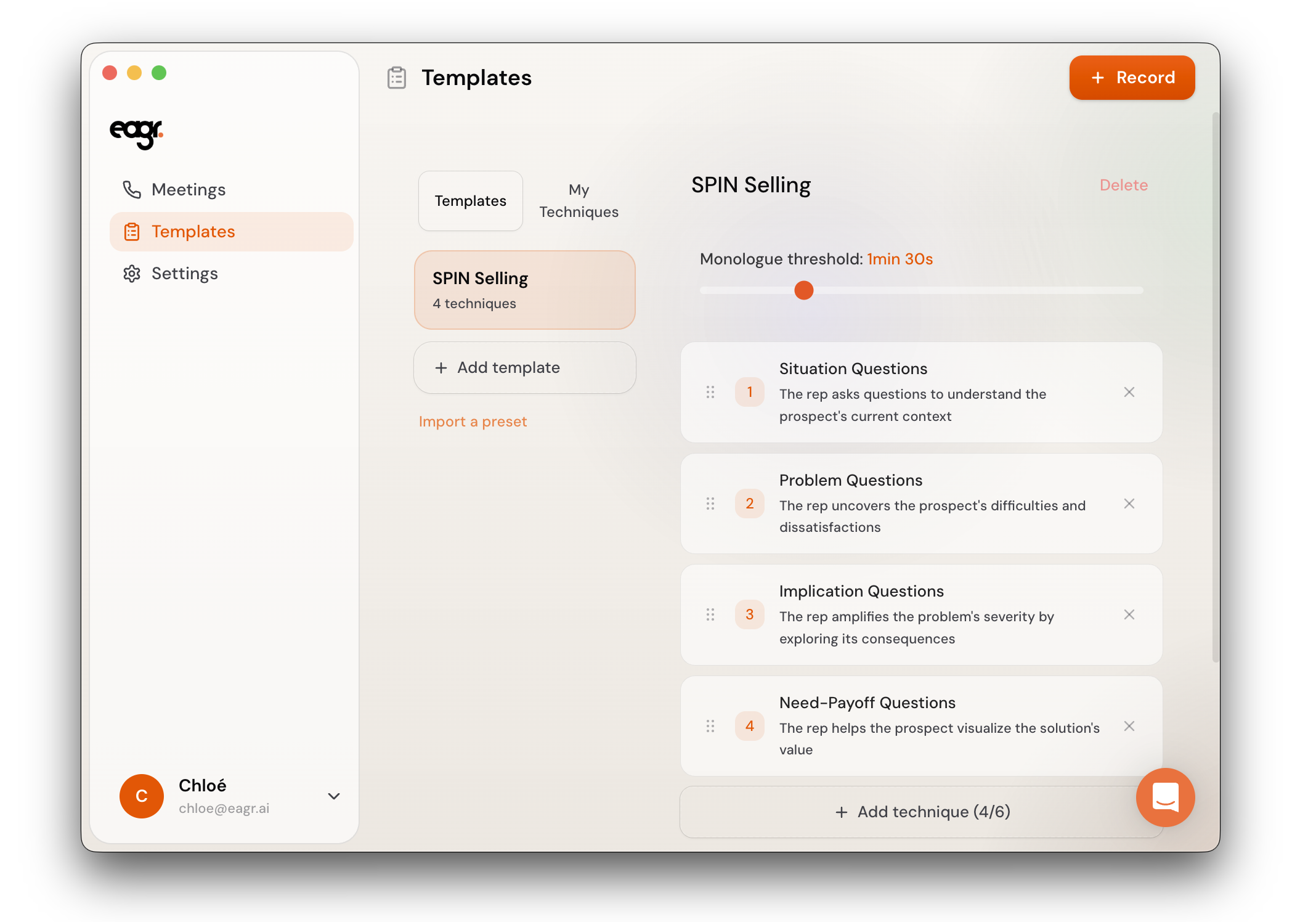
The template appears in your list with all its techniques pre-configured. You can then personalize it by removing techniques you don't need (click the x next to a technique) or adding new ones.
Create a template from scratch
- Go to Templates
- Click + Add template
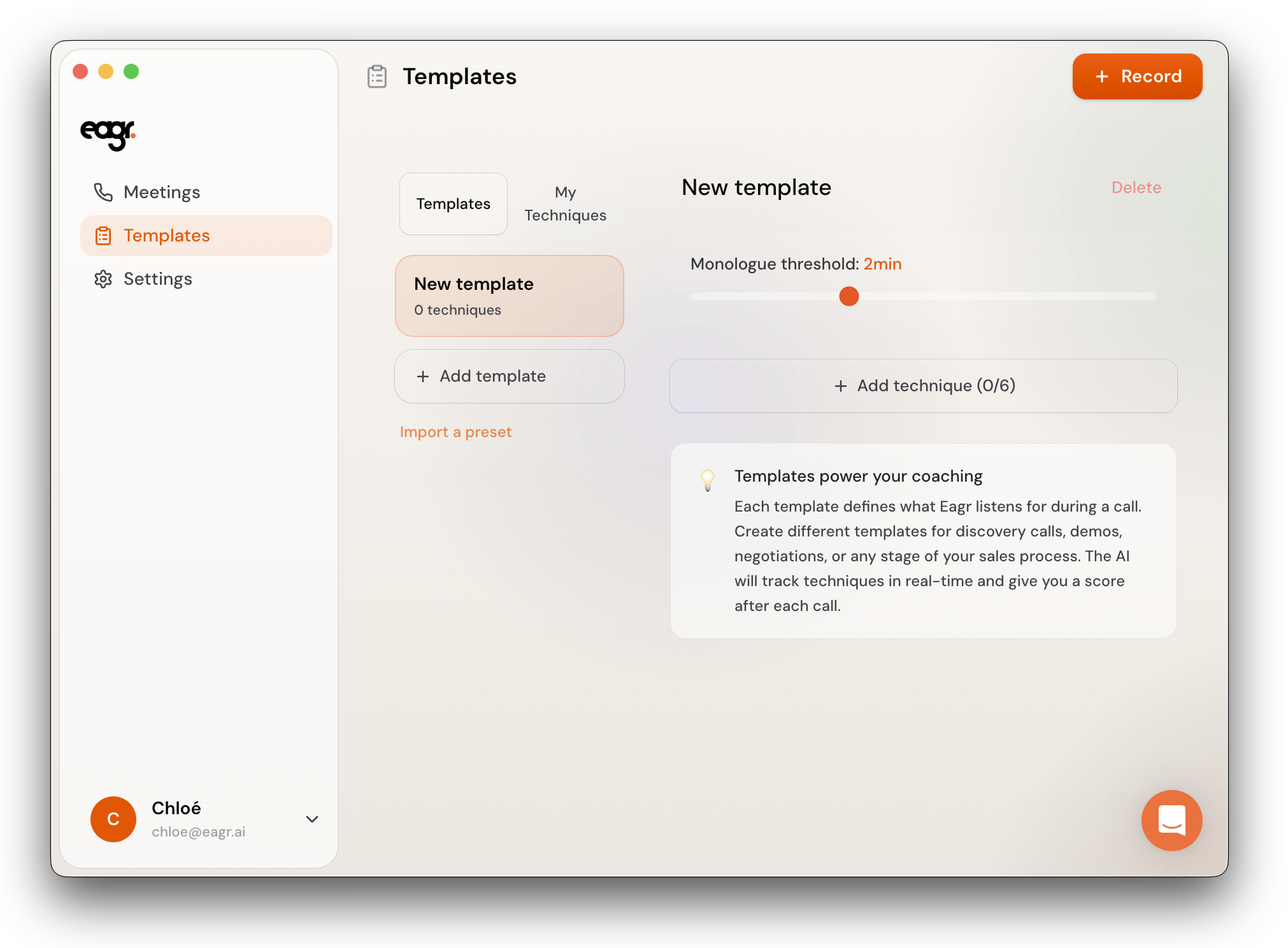
- A new empty template appears — you can start adding techniques
Add techniques to a template
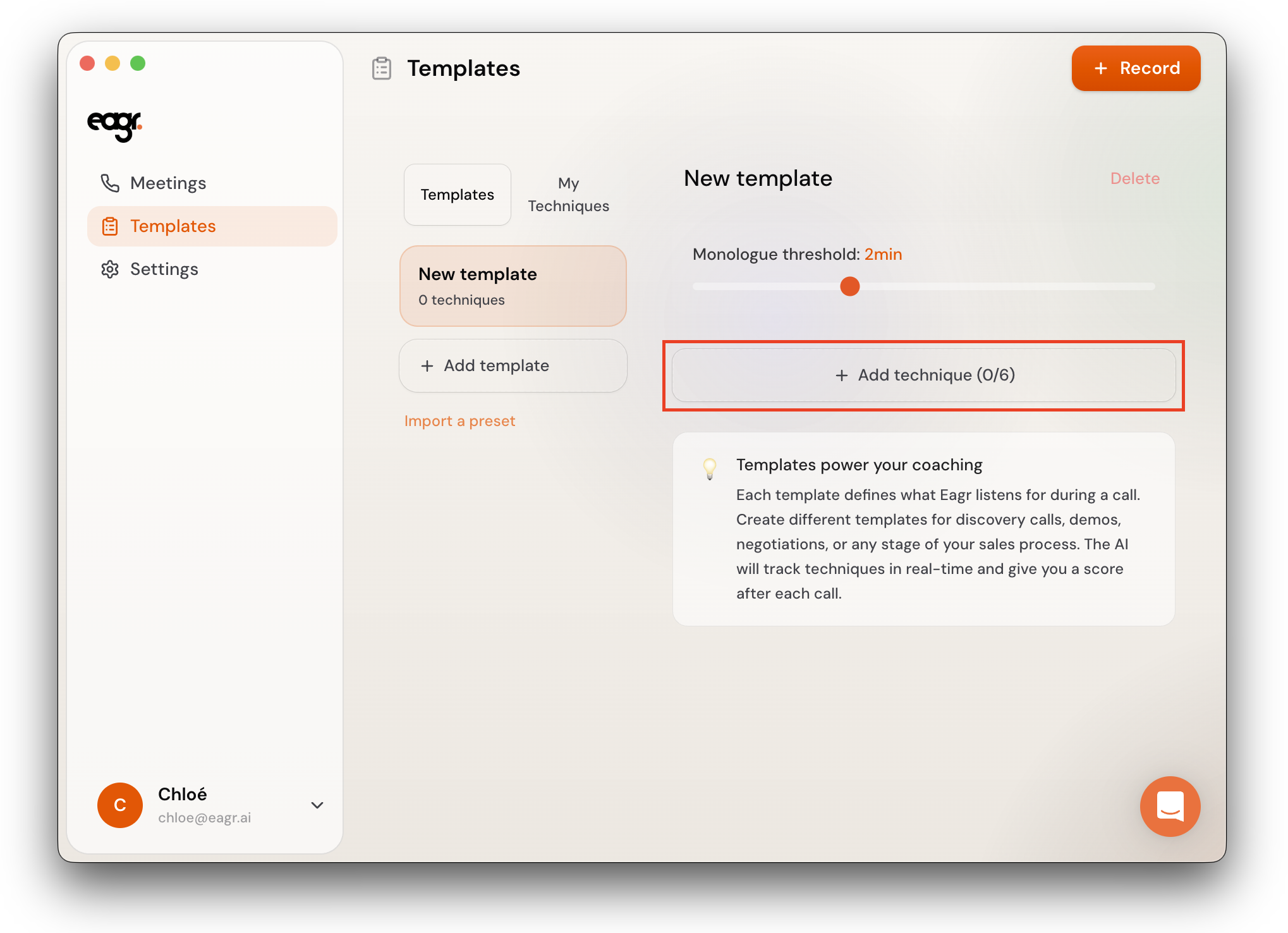
Each template can hold up to 6 techniques. To add one:
- Click + Add technique
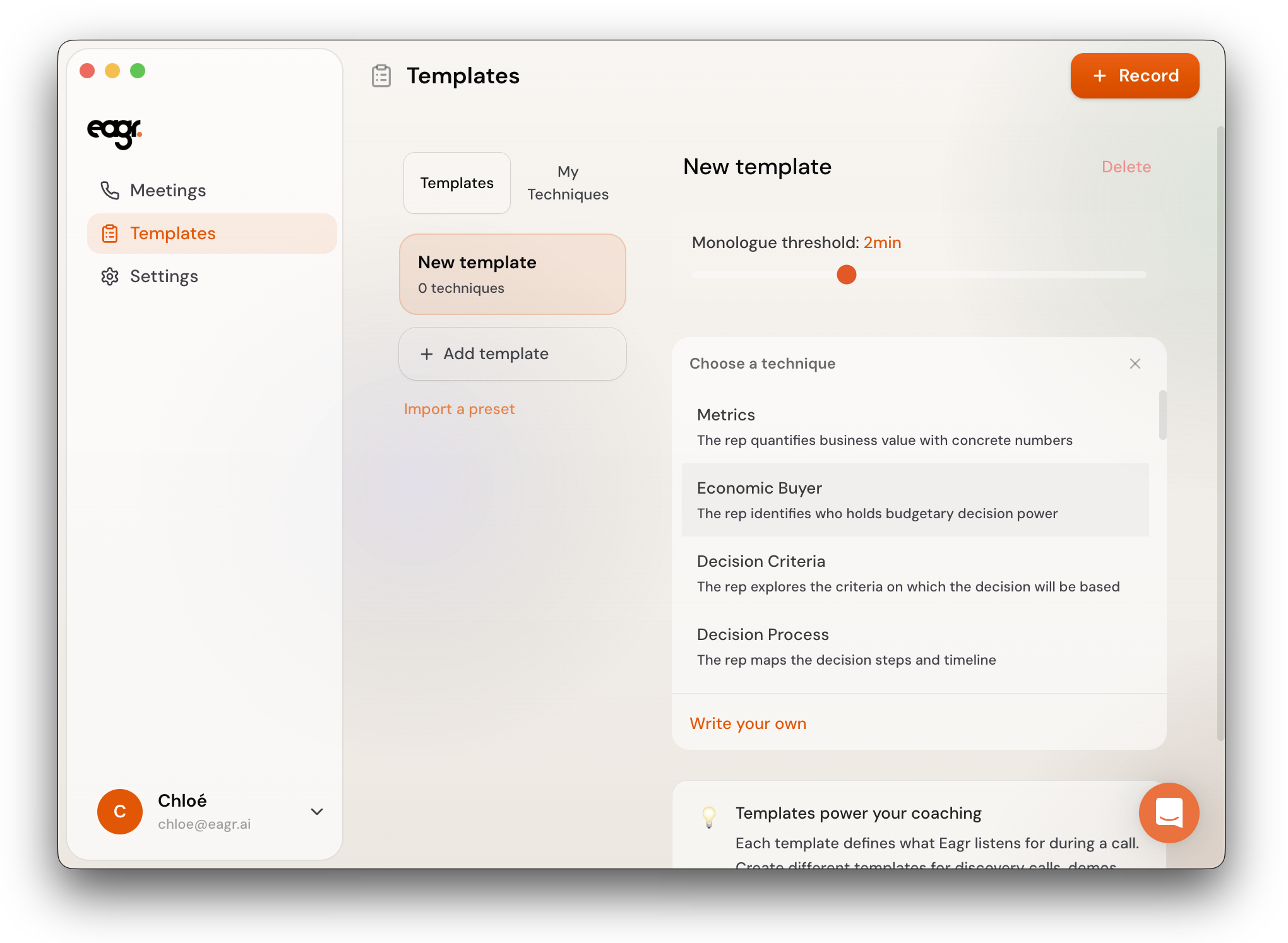
- A panel opens with existing techniques from your presets. Pick one, or click Write your own at the bottom to create a custom technique
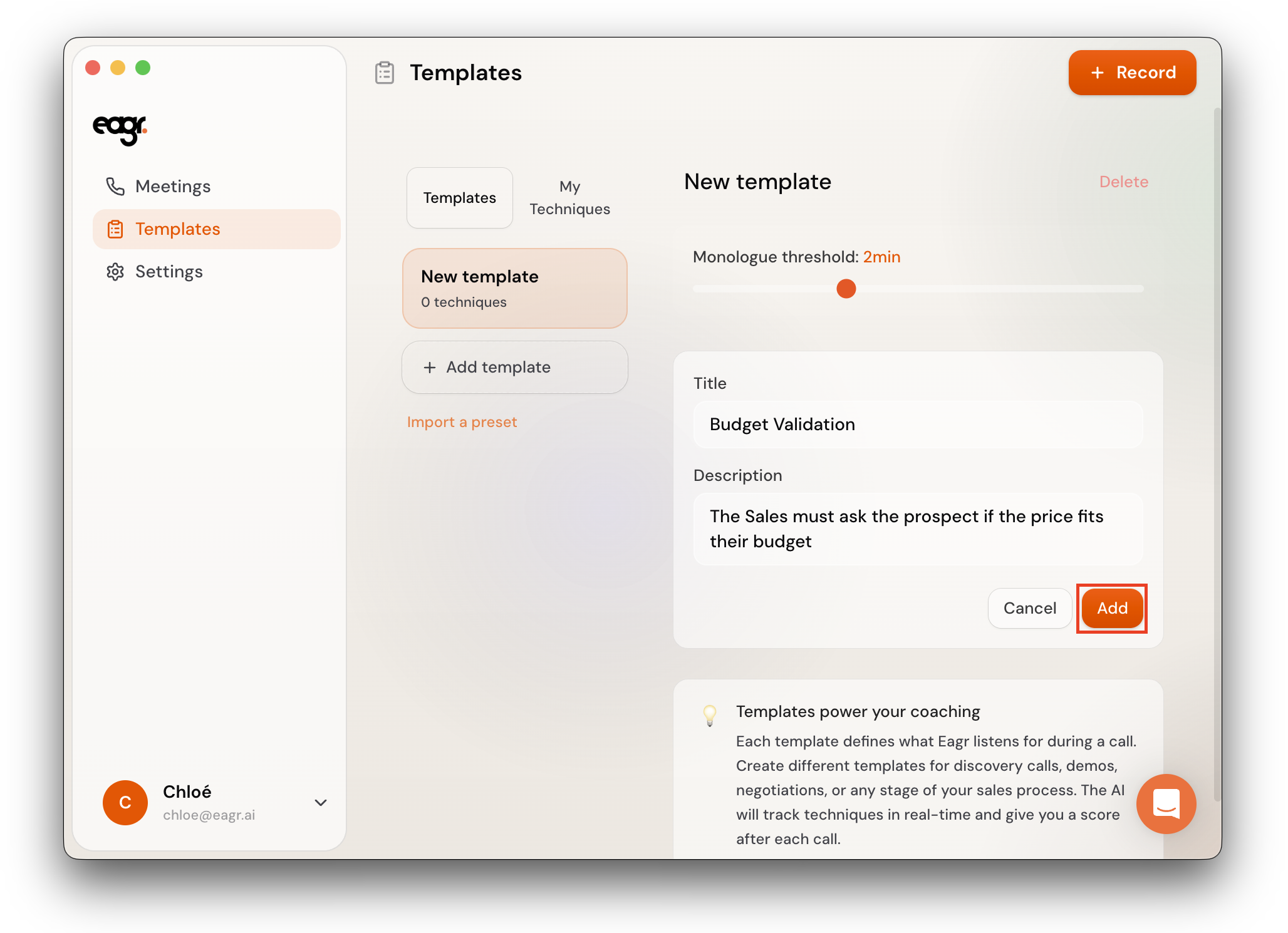
- If you write your own, enter a Title and Description, then click Add. Eagr generates a detection prompt automatically — you can review and edit it before confirming
You can also create and manage techniques independently from templates. Go to Templates > My Techniques and click + Create technique. Enter a Title and Description, then click Save. Eagr generates a detection prompt that you can review and edit.
Any technique you create here will be available to add to any of your templates.
Monologue threshold
Each template has a Monologue threshold slider (default: 2 minutes). If you speak without interruption for longer than this duration, the Live Coach sends you a notification. You can adjust this per template.
Delete a template
Open the template and click Delete in the top-right corner.