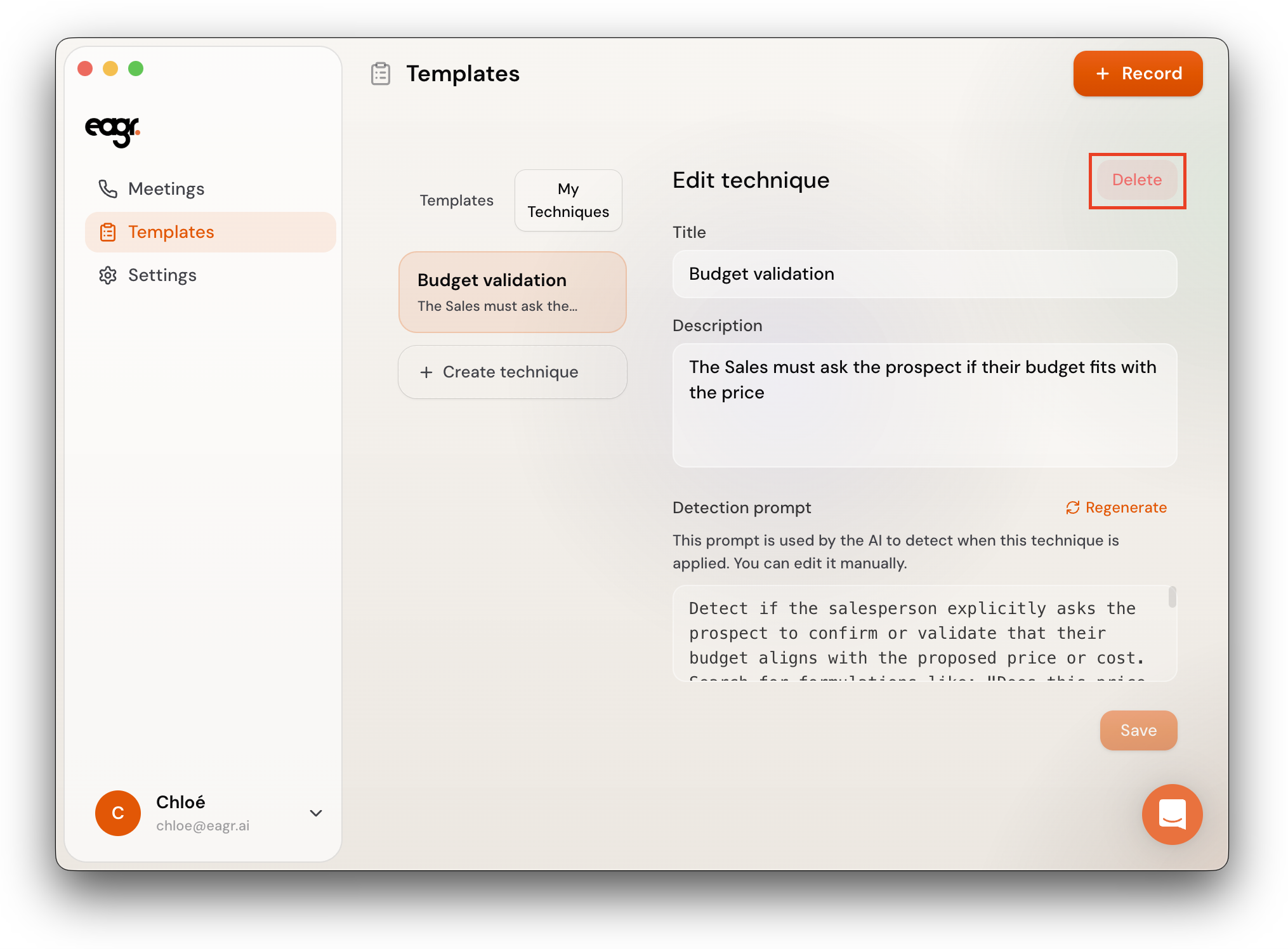
What is a technique?
A technique is a specific sales behavior that the Live Coach tracks during your calls. For example: "Budget validation", "Identify the decision-maker", or "Ask implication questions".
Each technique has a Title, a Description, and a detection prompt that Eagr uses to determine whether the technique was covered during the conversation.
The presets (MEDDIC, SPIN Selling, BANT, BEBEDC, SPICED) come with pre-built techniques. But you can also create your own to match your specific sales process.
Create a technique from My Techniques
- Go to Templates > My Techniques
- Click + Create technique
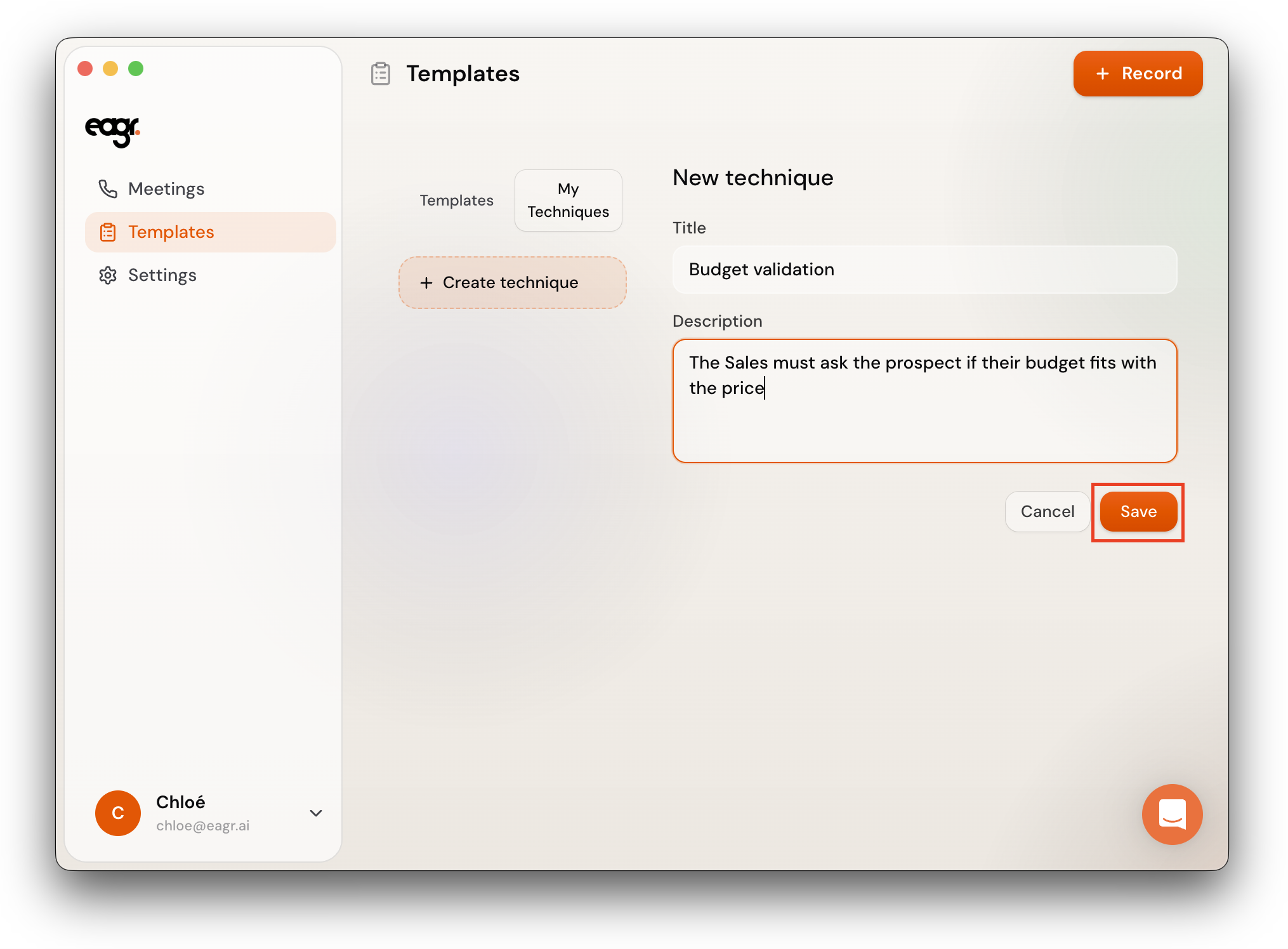
- Enter a Title (e.g. "Budget validation") and a Description (e.g. "The rep must explicitly ask what budget is allocated for this project and get a number or range.")
- Click Save
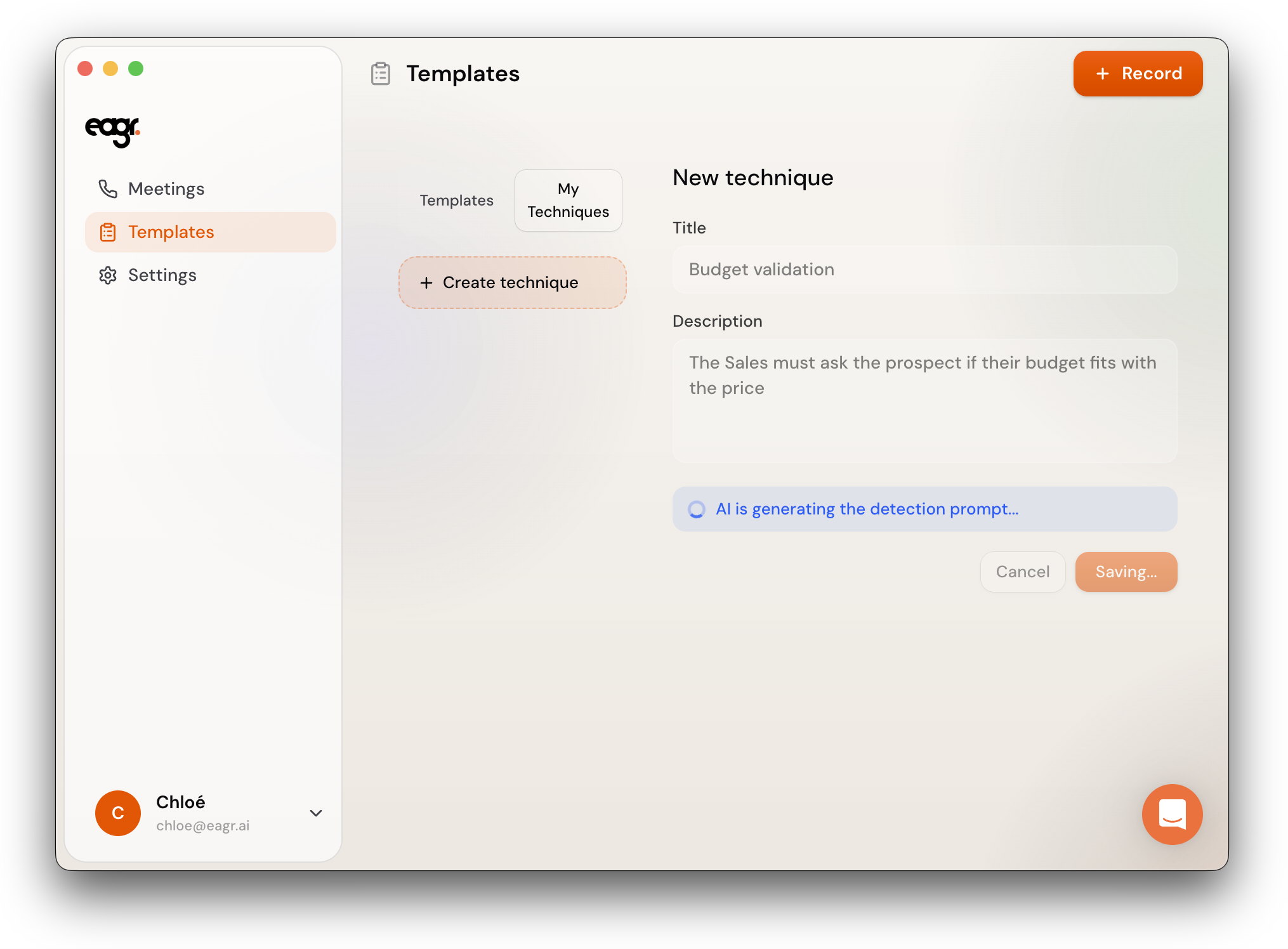
Eagr generates a detection prompt automatically based on your description. You can review and edit it before saving.
The more specific your description, the better the detection prompt will be. Describe what the rep should say or ask, not just the general topic.
Create a technique directly from a template
You can also create a technique while editing a template:
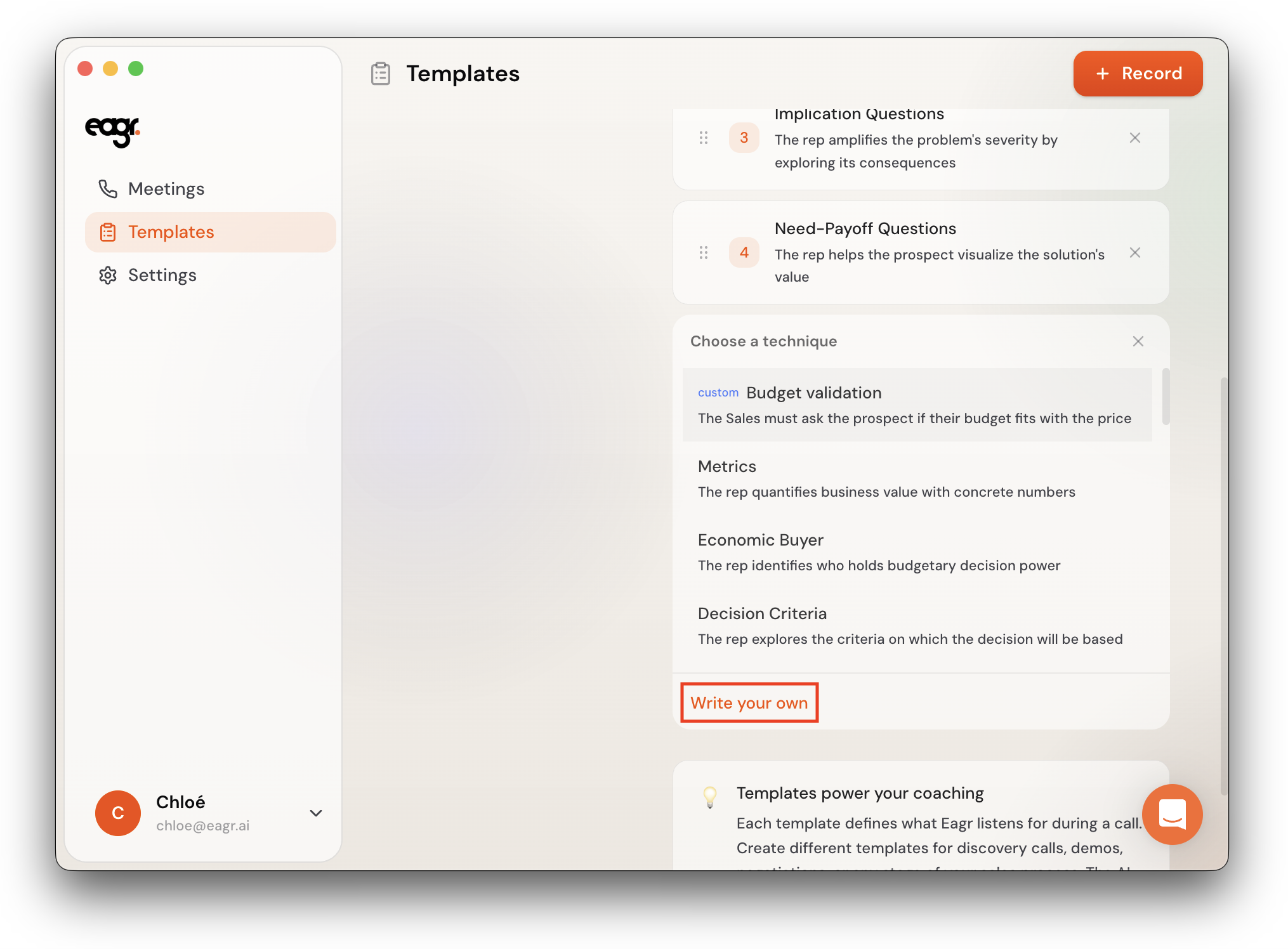
- Open a template and click + Add technique
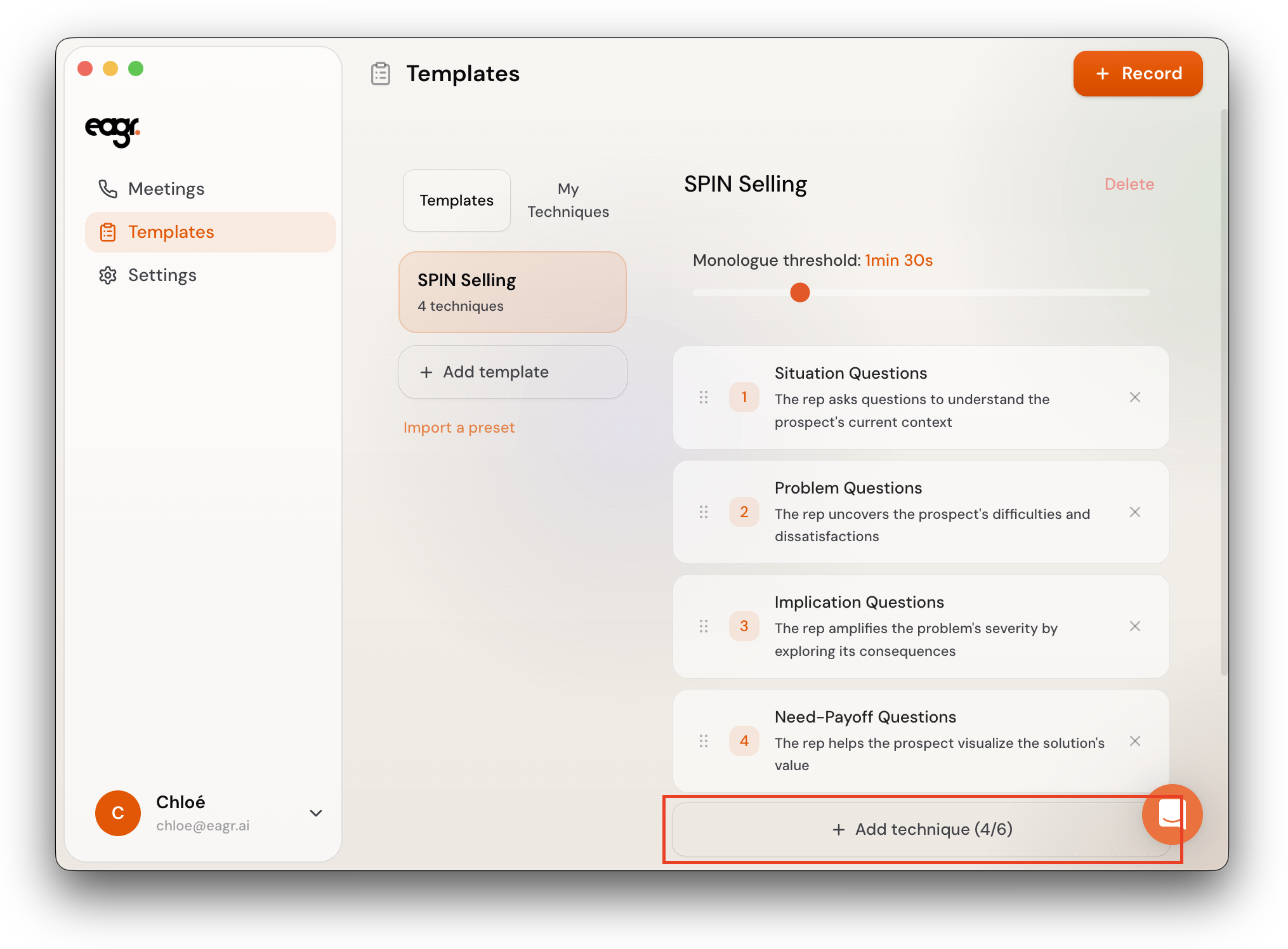
- In the panel that opens, click Write your own at the bottom
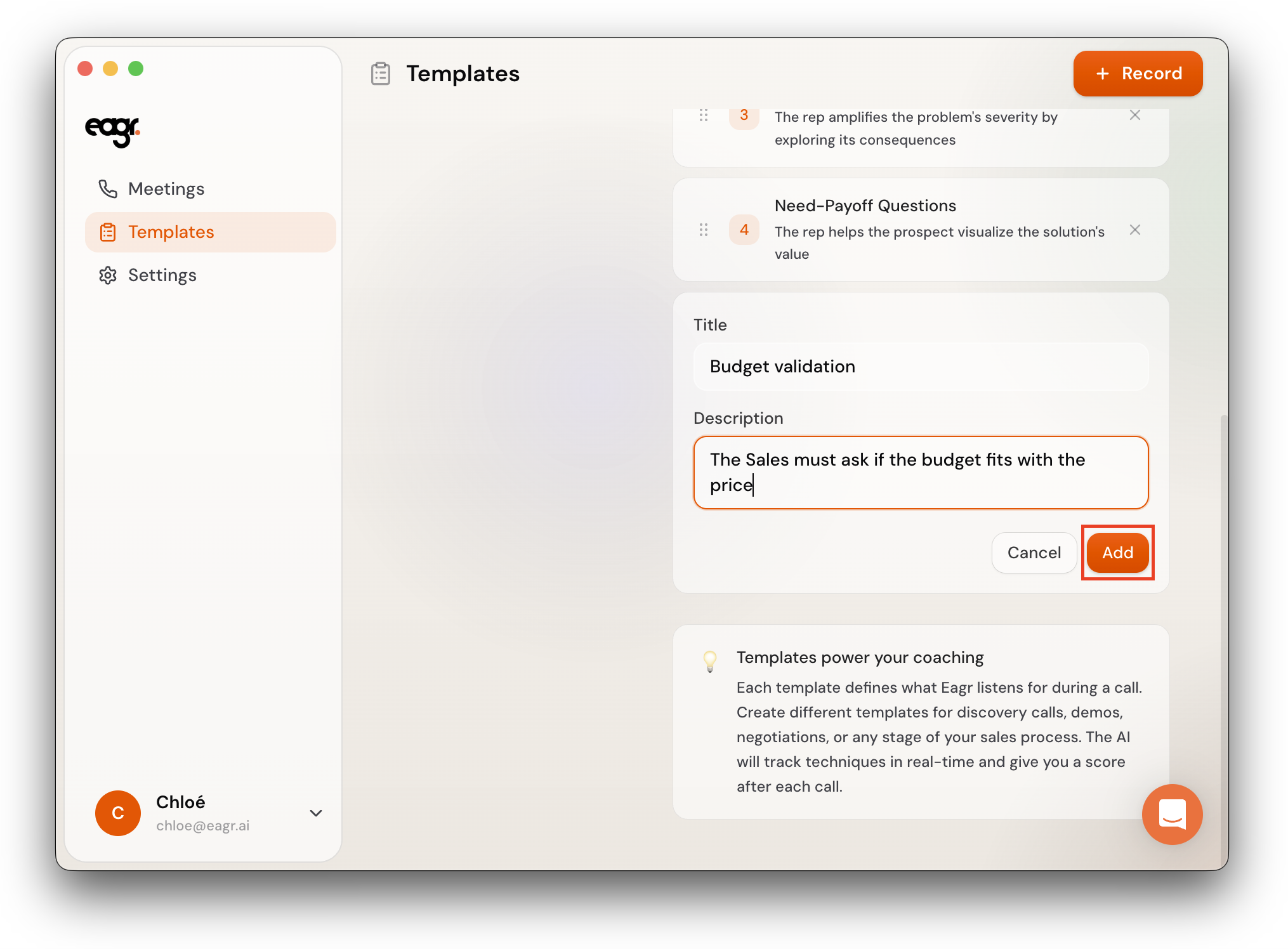
- Enter a Title and Description, then click Add
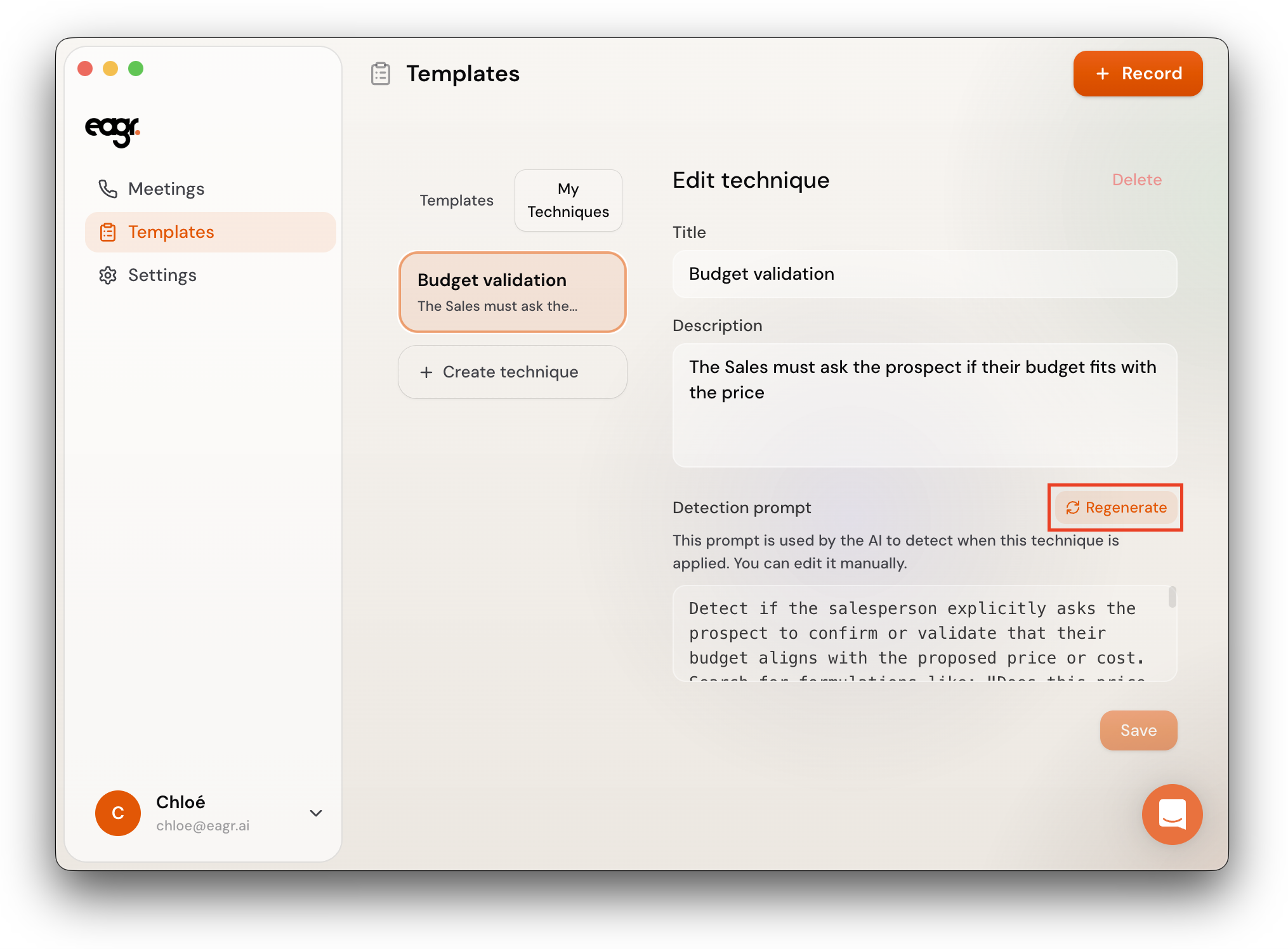
- Eagr generates the detection prompt — review and edit it, then confirm
The technique is added to the template and also saved in My Techniques for reuse in other templates.
Edit a technique
- Go to Templates > My Techniques
- Click on the technique you want to edit
- Update the Title, Description, or detection prompt
- Click Save
You can also click Regenerate next to the detection prompt to have Eagr generate a new one based on your description.
Delete a technique
Open the technique in My Techniques and click Delete.