What's happening
After completing a simulation, Eagr analyzes your conversation to generate detailed feedback on your performance. This usually takes a few minutes.
If the screen still shows "Analyzing transcript.." after 3 minutes, the analysis may be stuck.
What to do
Step 1: Refresh the page
Simply refresh the page in your browser. If the analysis has already finished in the background, your results will appear immediately.
Step 2: Still stuck? Contact support
If refreshing doesn't work and the screen still shows the loading animation, reach out to our support team at support@eagr.ai. We'll be able to retrieve your results manually.
⚠️ Don't close the tab during analysis
If you close the browser tab before the analysis is complete, the session won't appear in your history. In that case, contact us at support@eagr.ai, we can retrieve it for you.
Note that the attempt still will be counted against your credits.
Find your past results
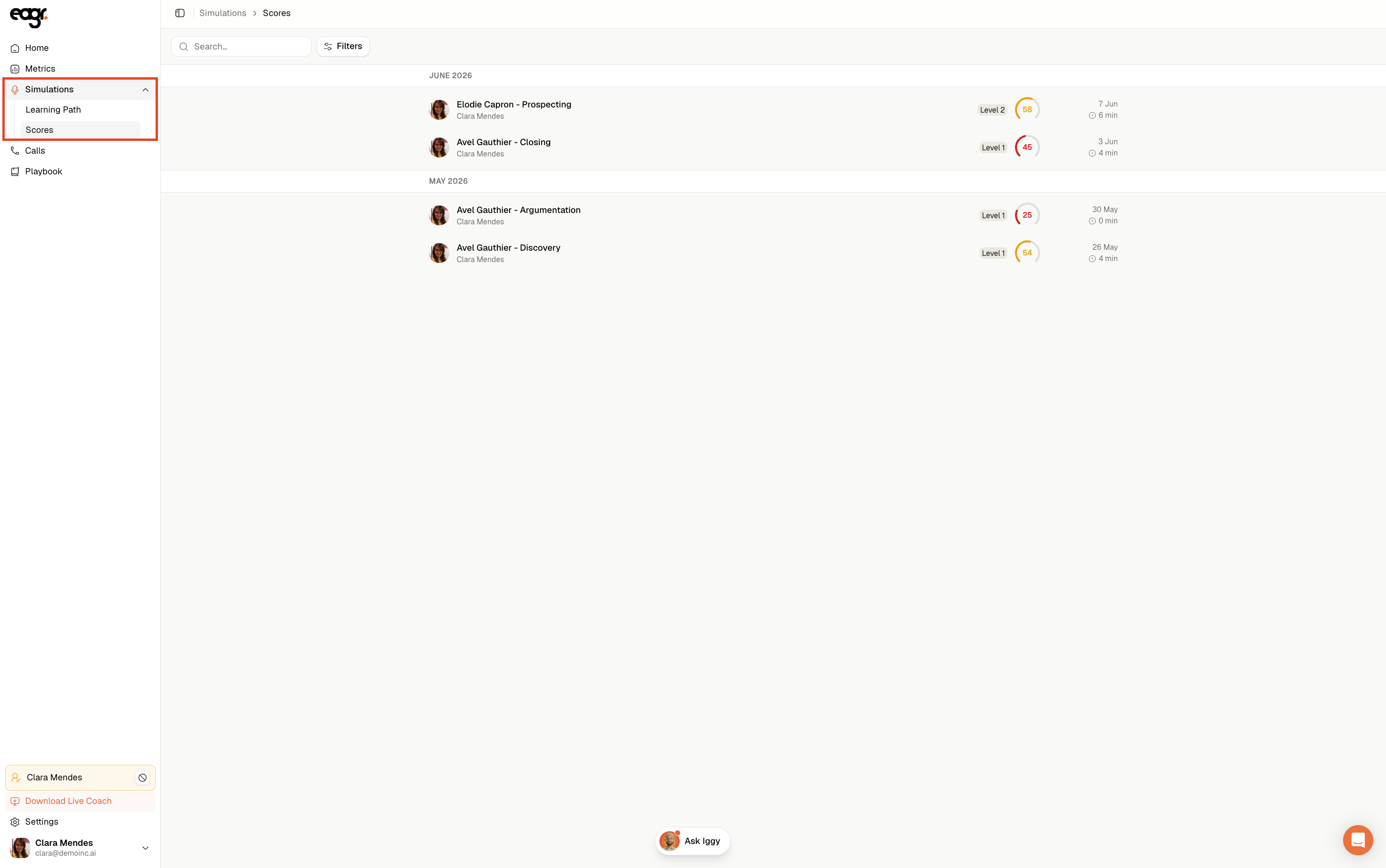
All completed simulations are available under Simulations → Scores. You can go back to them at any time once the analysis is done.