
Billing and license management are reserved for the Admin role, from the Billing tab.
See and manage your licenses
Eagr billing is per Recording license: each Recording license takes up one paid seat. View-only licenses are free and don't take a seat.
In the Billing tab, you see your plan and your number of licenses. To add, remove or change your members' licenses, go through the Team page, see Assigning and managing licenses.
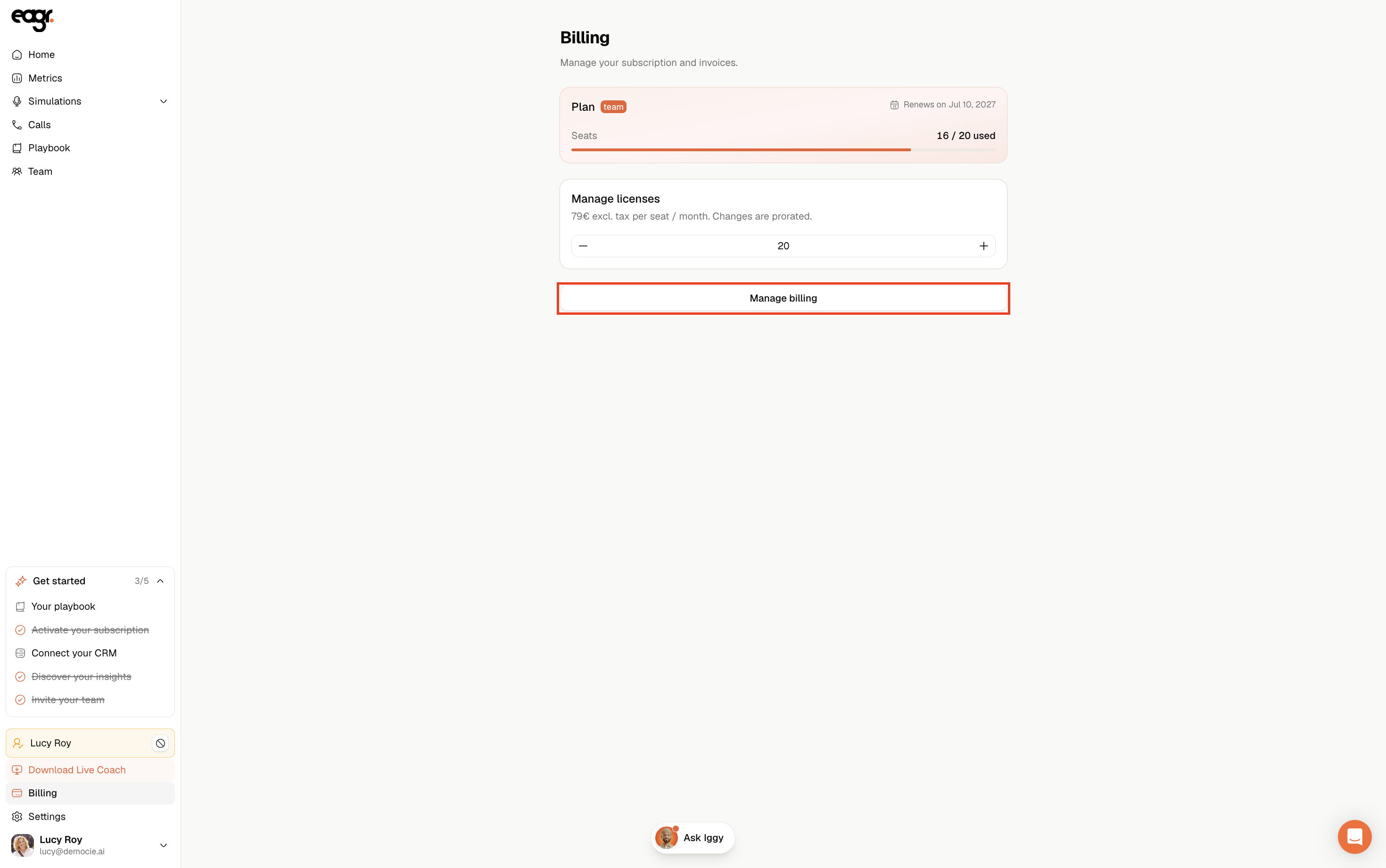
Any period started is due, no pro-rata: if a Recording license is active for even part of the period, the seat is billed for the full period. To stop billing a seat, remove the Recording license before the next period starts.
Getting your invoices
Eagr handles billing through Stripe. From the Billing tab, you reach the Stripe billing portal (that's where you update your billing): you can download your invoices, view your payment history and update your payment method.
Accounts migrated to V2
If your organization has been migrated to V2, the billing migration isn't finished yet: you don't have access to the Billing tab and can't change the number of licenses yourself. To add a license (for example for a new member), go through support at support@eagr.ai.
A question about an invoice?
For any discrepancy or question, email us at support@eagr.ai with the relevant invoice number.