
By connecting your calendar, Eagr detects your video meetings and can send its bot to record and analyze them automatically.
Automatic connection
If you sign in to Eagr with Google or Microsoft, your calendar is connected automatically: there's nothing to do. Eagr uses the account you authenticated with to detect your meetings.
Where to manage the connection
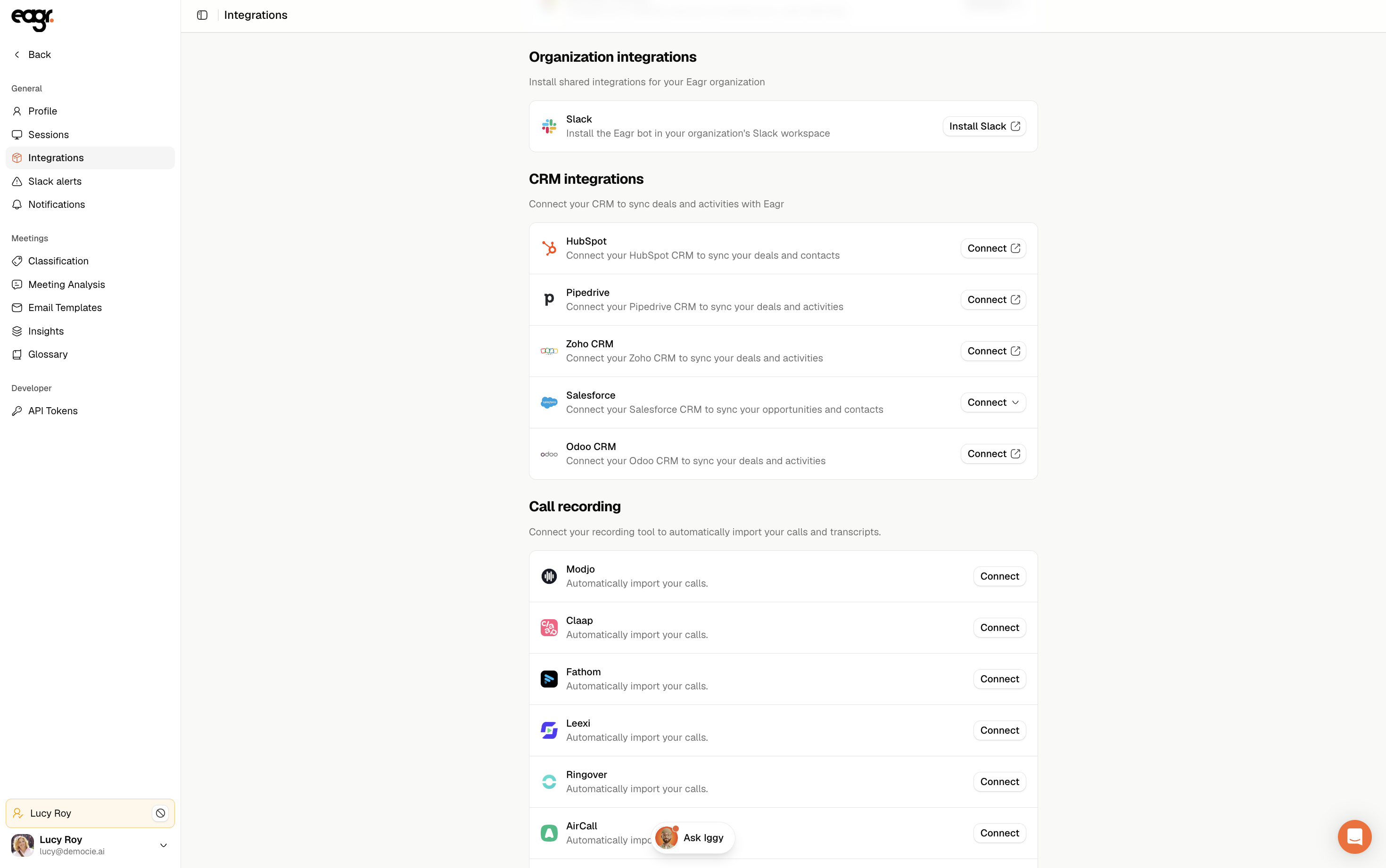
Go to Settings → Integrations, the Personal integrations section: you'll find Google Calendar and Microsoft Outlook, each with a Connect button.
The account you authenticate with (Google or Microsoft) is the one used as your calendar. Sign in with the right address, the one your meetings are on, otherwise they won't show up.
My calendar isn't connected?
If you created your account another way (email and password), sign back in with Google or Microsoft, or connect your calendar from Settings → Integrations.
On the Microsoft side: company authorization
In some organizations, access is blocked until a Microsoft admin has authorized Eagr at the tenant level. If you see an authorization-denied message, reach out to your IT team or email support@eagr.ai.