
Tip
To authorize the connection, you must be an admin of the tool (HubSpot, Pipedrive…): the authorization requires rights only your CRM admins can grant. On the Eagr side, it's an organization integration that requires owner access.
Eagr connects to your CRM to sync your deals and activities, and link your calls to the right opportunities.
Where to connect
Go to Settings → Integrations, the CRM integrations section, then click Connect next to your tool and follow the instructions.
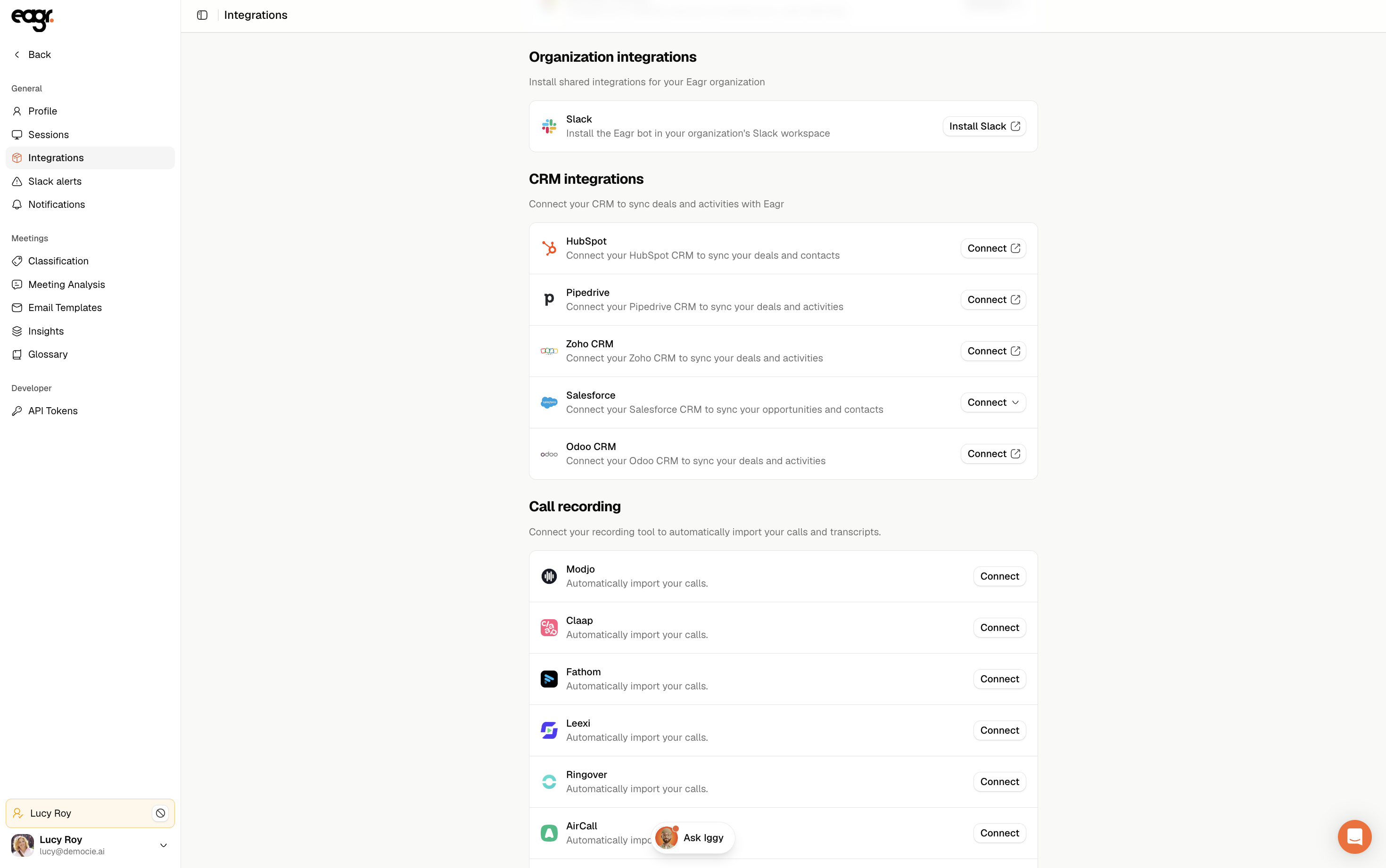
Supported CRMs: HubSpot, Pipedrive, Zoho CRM, Salesforce and Odoo CRM.
What it changes
Once connected, Eagr links your calls to the matching deals and syncs activities, so your call analysis and your CRM stay aligned.