
The Live Coach isn't reacting, shows no advice, or the app is sluggish? Go through this checklist.
Basic checks
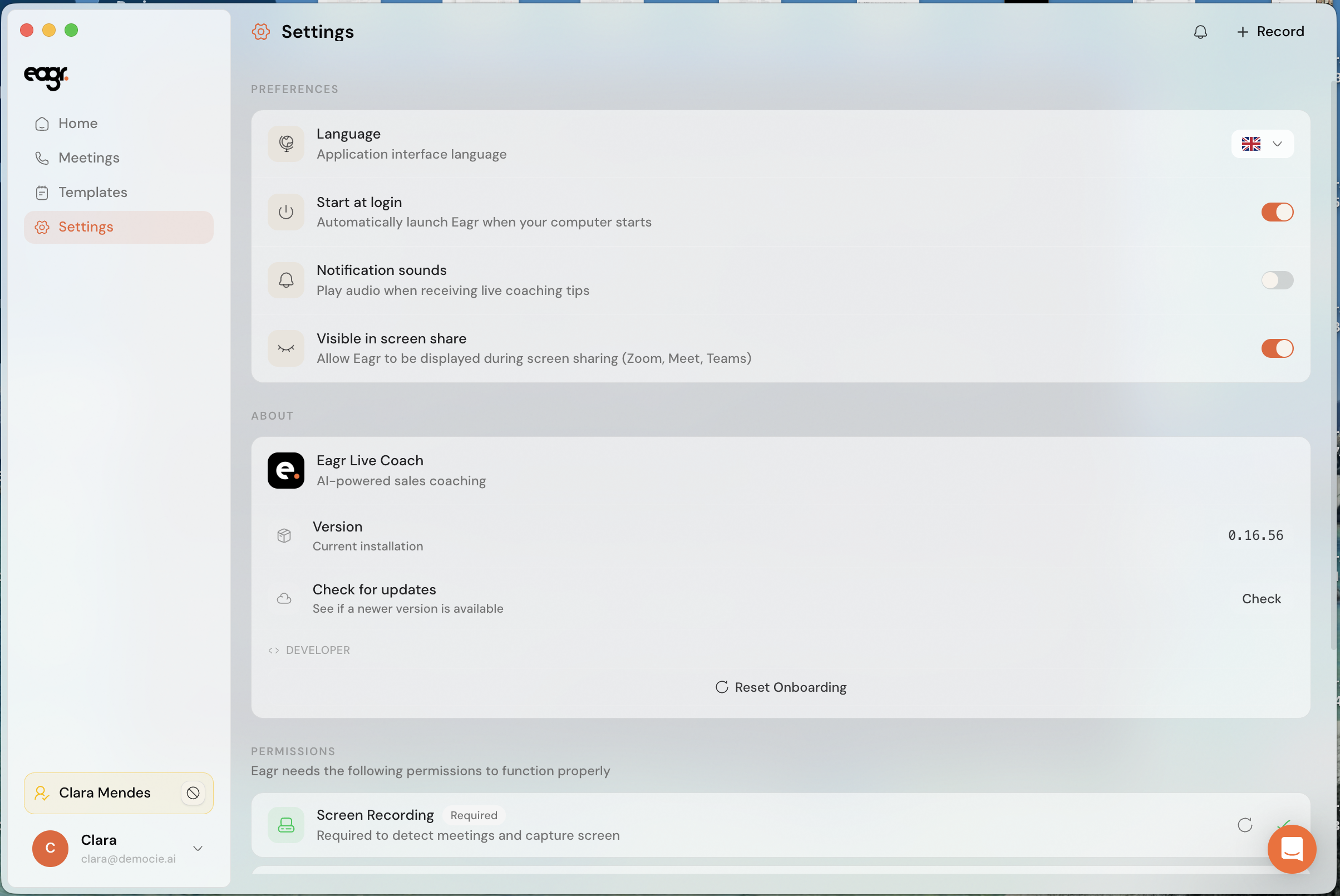
- Update the app. Open Settings → Check for updates and install the latest version: most problems are fixed with a simple update.
- Check the permissions. The Live Coach needs the microphone and screen recording. Check them in two places:
- in your system settings (Privacy & Security on macOS, Privacy on Windows);
- in the Live Coach: Settings → Permissions, which shows the status of each permission.
- Launch the Live Coach before the call, not in the middle.
- Don't combine the Live Coach with the recording bot on the same call.
The app is slow or drops out
- Close resource-heavy apps (video editing, many tabs, other recording tools).
- Make sure your machine meets the minimum requirements.
- Restart the app, or even your computer, if coaching stays stuck.
Still happening?
Email us at support@eagr.ai with your app version (in Settings), your system and the video tool you use.